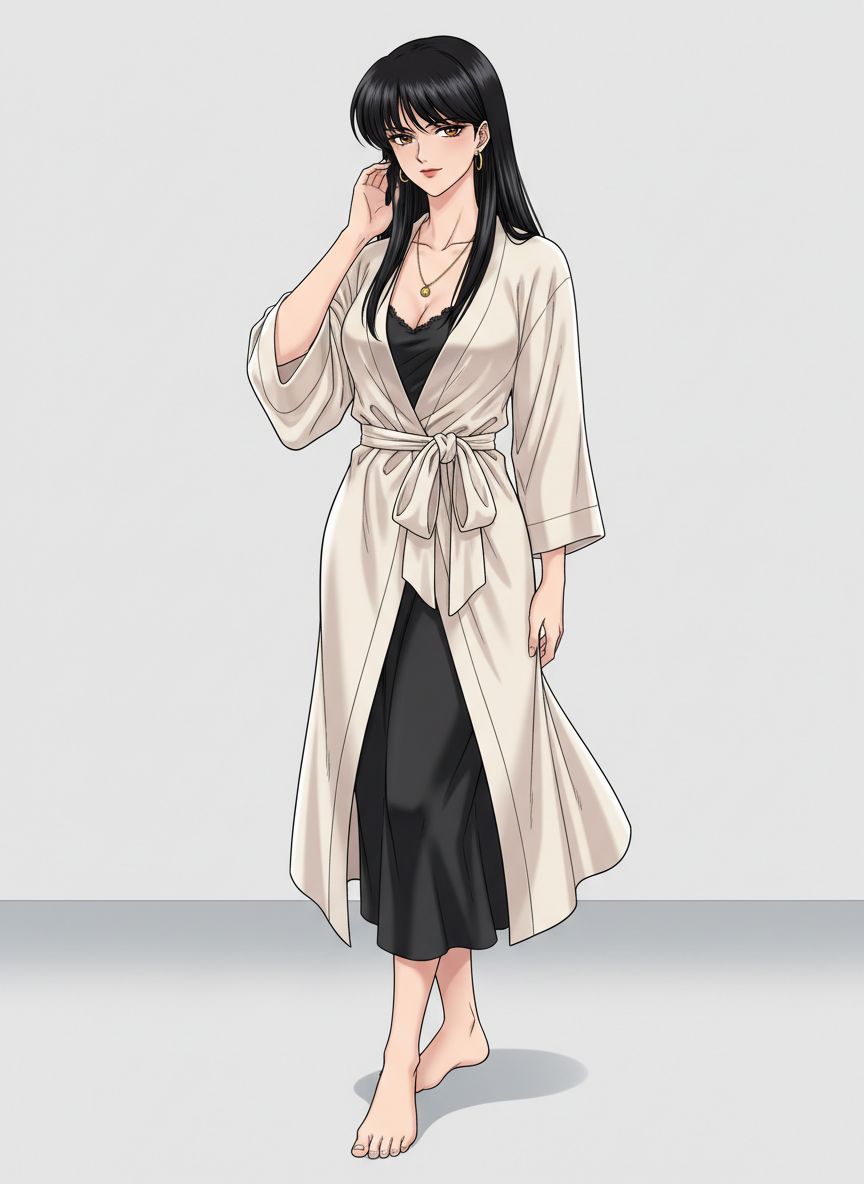
Anime Fashion Film
A 15-second, one-take anime fashion shoot at 128 BPM: ten precise editorial poses in a white strobe-lit cyclorama, the camera accelerating between poses and braking hard on every lock. Add your character as the reference image.
Opens Splice with the model, prompt, settings and reference media loaded in the generator. New to Splice? You'll sign up first, free. This one costs more than the 100 free credits new accounts get.
Anime fashion film: a woman flows through ten precise editorial poses. The reference image defines her appearance, outfit, accessories and anime style; ignore its background, add no accessories.

One uninterrupted 15-second shot at 128 BPM in a minimal white cyclorama: hard strobes, faint haze, glossy floor, a satin sheet, scattered proof sheets. The camera moves in one continuous path, accelerating between poses and braking on every lock.

0-1.5s: Pose 1, frontal close-up, brushing the hair by her ear; slow push-in.
1.5-3s: Pose 2, three-quarter turn, chin lifted. Pose 3, gaze lowered, hands settling at her collar and hair. The camera arcs down fast and pauses on her eyes.
3-4.5s: Pose 4, strict left profile. Pose 5, a shoulder rolls forward, the robe edge catching side light. The camera whips past her cheek and settles close.
4.5-6s: Pose 6, she gathers a fold of the robe at her waist. Pose 7, she releases it and looks back over her shoulder into the lens. The camera dives to torso level, then rises past her face.
6-7.5s: Pose 8, she sits on the satin sheet, one knee raised. Pose 9, one bare foot extends toward the lens in the foreground. The camera rockets in at floor level and hangs on the pose.
7.5-9s: Pose 10, she rises into a three-quarter stance, one hand at her collarbone, one in her hair. The camera slides across her waist into a portrait hold.
9-11s: She folds inward, eyes closed for one breath, then opens into a long upward stretch. Tight orbit, slow on locks, fast between.
11-13s: Rear three-quarter shoulder silhouette, then a turn so her jawline catches the flash. The camera skims from shoulder to face with strong parallax.
13-15s: The camera grazes past her eyes, arcs outward and lowers as she lands a commanding full-body pose looking down into the lens. Clean wide hold under a final white flash bloom.

24-85mm zoom feel, hard flashes, rim light, shutter clicks, breath, fabric rustle. Stable identity, hair, outfit and anime style throughout.