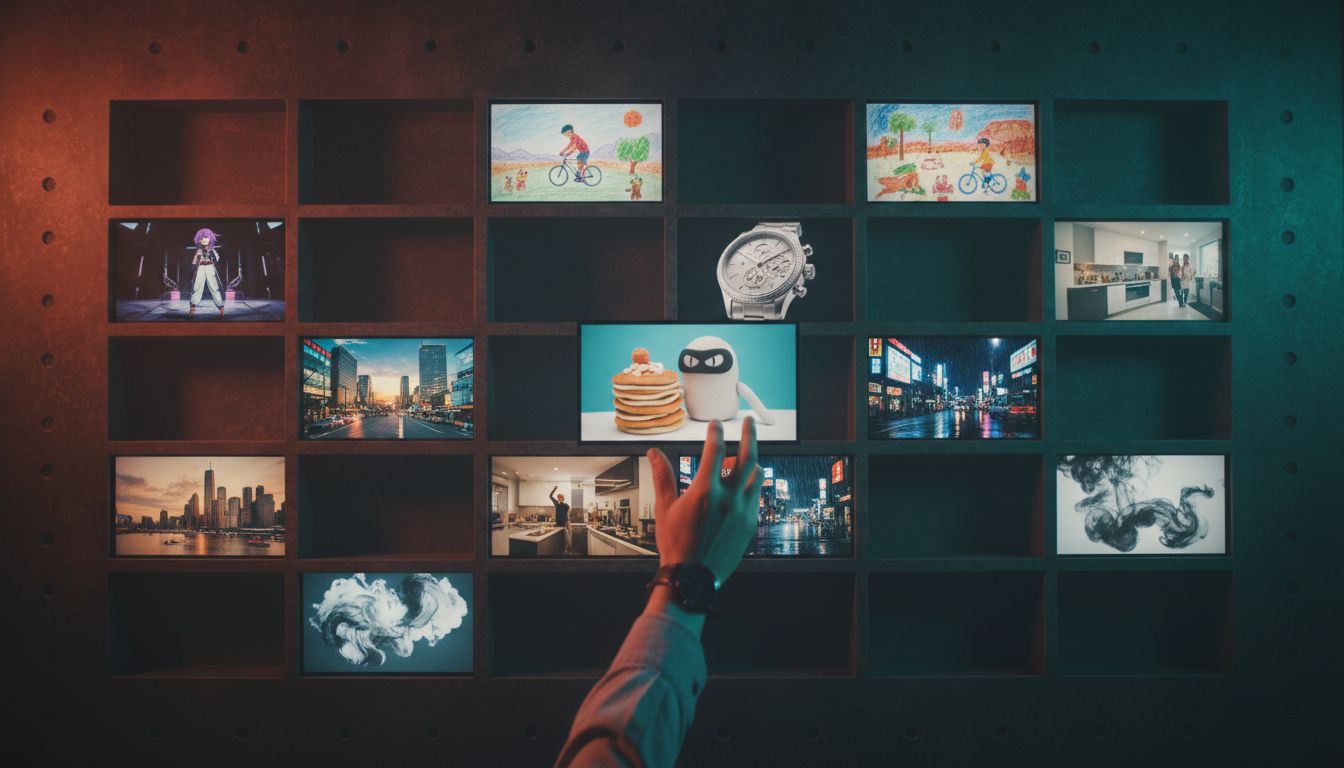
The film.fun template library is open: 143 ready-made shots, ads, motion graphics and sounds you can copy or remix.
Every template is a recipe that already works: the prompt, the model, the settings and any reference media behind a finished result. You can watch the result first, then take the recipe two ways. Copy the prompt into any tool you like, or open the whole thing in Splice with everything loaded and make it your own.
Browse them at film.fun/templates.
What's in the library
The library covers the kinds of work creators ask us for most:
- Camera moves. Slow push, crash push, vertigo pull, full orbit, crane lift, drone descent, whip cut, rack focus and more, plus a 10 camera angles reel that runs one character from a medium shot to a bird's-eye view.
- Adverts. Twenty product spots, from a luxury watch film and a sensory chocolate commercial to sneakers, perfume, energy drinks and a gaming laptop.
- UGC. Vertical, phone-shot styles: get ready with me, day in the life, transformations like Y2K, and product unboxings.
- Cinematic, anime and animation. One-take fights, dialogue scenes, anime fashion films, a wax crayon world, claymation and stop motion.
- Reality TV, sci-fi, trailers and genre pieces. Renovation reveals, judges' tables, bridge crews, retro-future walks and game shows.
- Titles and motion graphics. Ink smoke and fire title sequences, kinetic type, end cards and phone-screen Motion templates, including a Claude Code terminal that types out an agent's workflow.
- Music and voice. Score styles and narrator voices for trailers, documentaries and ads.
Filter by category or by kind (video, image, motion, music, voice), search by what you need, and sort by featured, newest, most used or cost. Templates added in the last 30 days carry a New badge.
Copy the prompt
Every template page shows the full prompt, the model it was made with, the settings and the reference images. Hit Copy prompt and paste it wherever you work. The prompts are written the way the models like to be directed: shot by shot, with camera, light and timing spelled out. They're worth reading even if you never press Generate, because they show what a working prompt looks like for each model.
Use it in Splice
Hit Use template and the template opens in Splice with the model, settings and references already set. From there:
- Swap in your own subject. Replace the sample character, product or logo with your own reference image.
- Change the words. Keep the structure of the prompt and rewrite the details: your product, your location, your line of dialogue.
- Generate. Every template shows its cost in credits up front, so you know what a take costs before you press the button. New Splice accounts start with 100 free credits.
Motion templates open in the Motion editor instead, where every headline, logo and colour is editable, then render to MP4.
Share a template
Every template has its own page and a readable link, like film.fun/templates/full-orbit. Send it to a collaborator, drop it in a brief, or post it. Whoever opens it sees the result, the full recipe and the same Use template button.
In Splice, too
Templates are also one click from anywhere in Splice: there's a Templates link in the header next to Showcase, and the same library sits inside every production. Pick one, remix it, and keep going in the editor.
Browse the templates and start from a shot that works.
