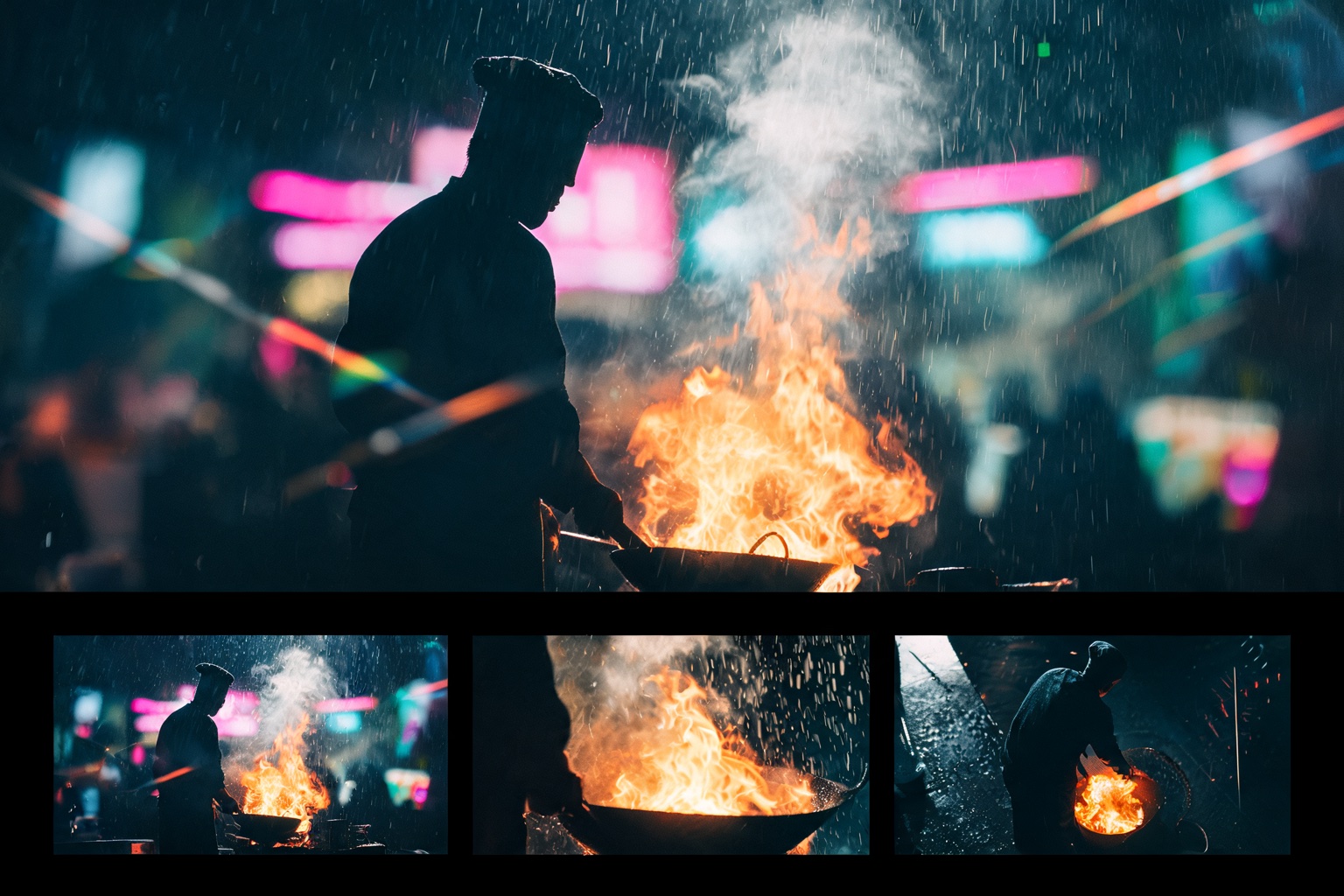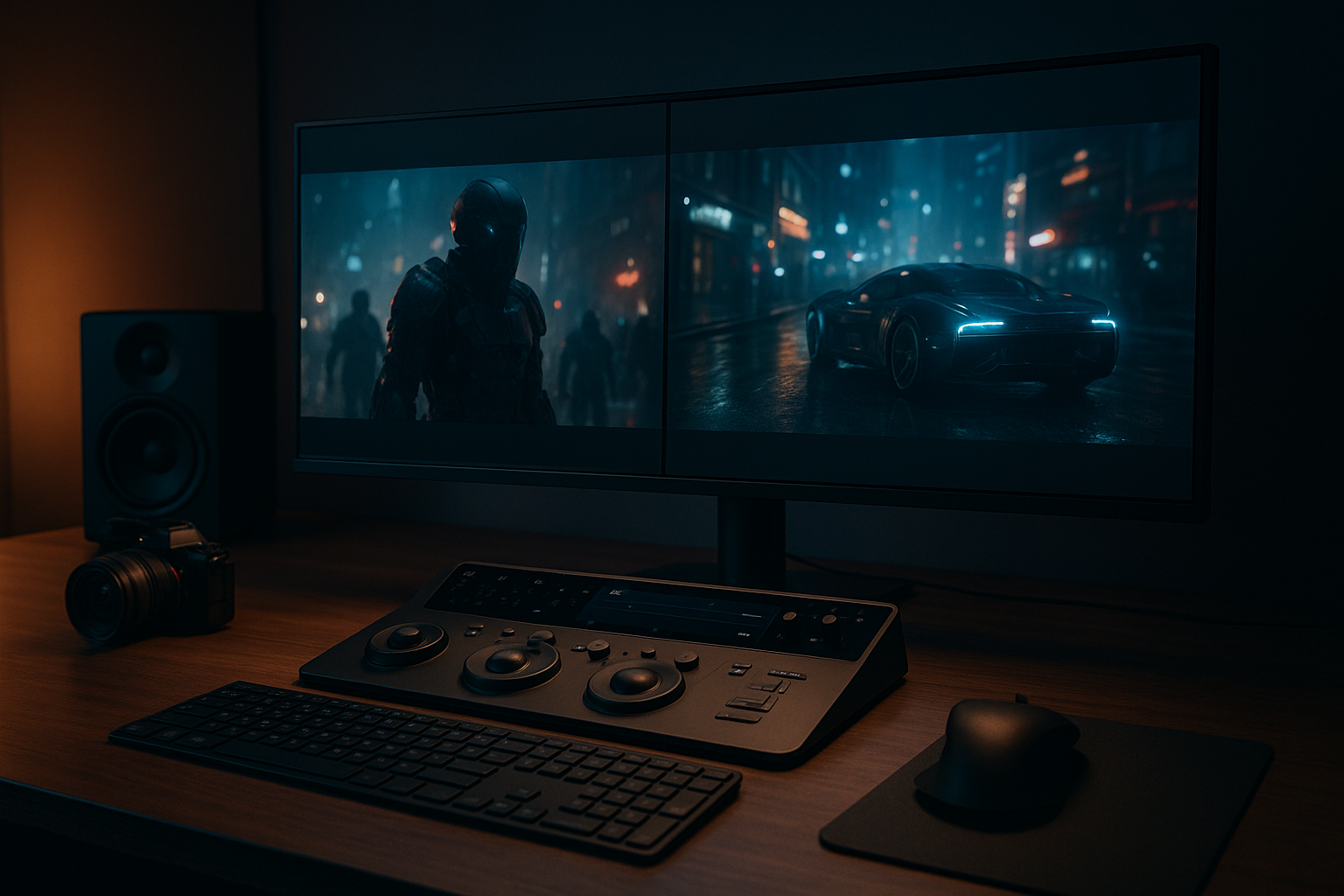
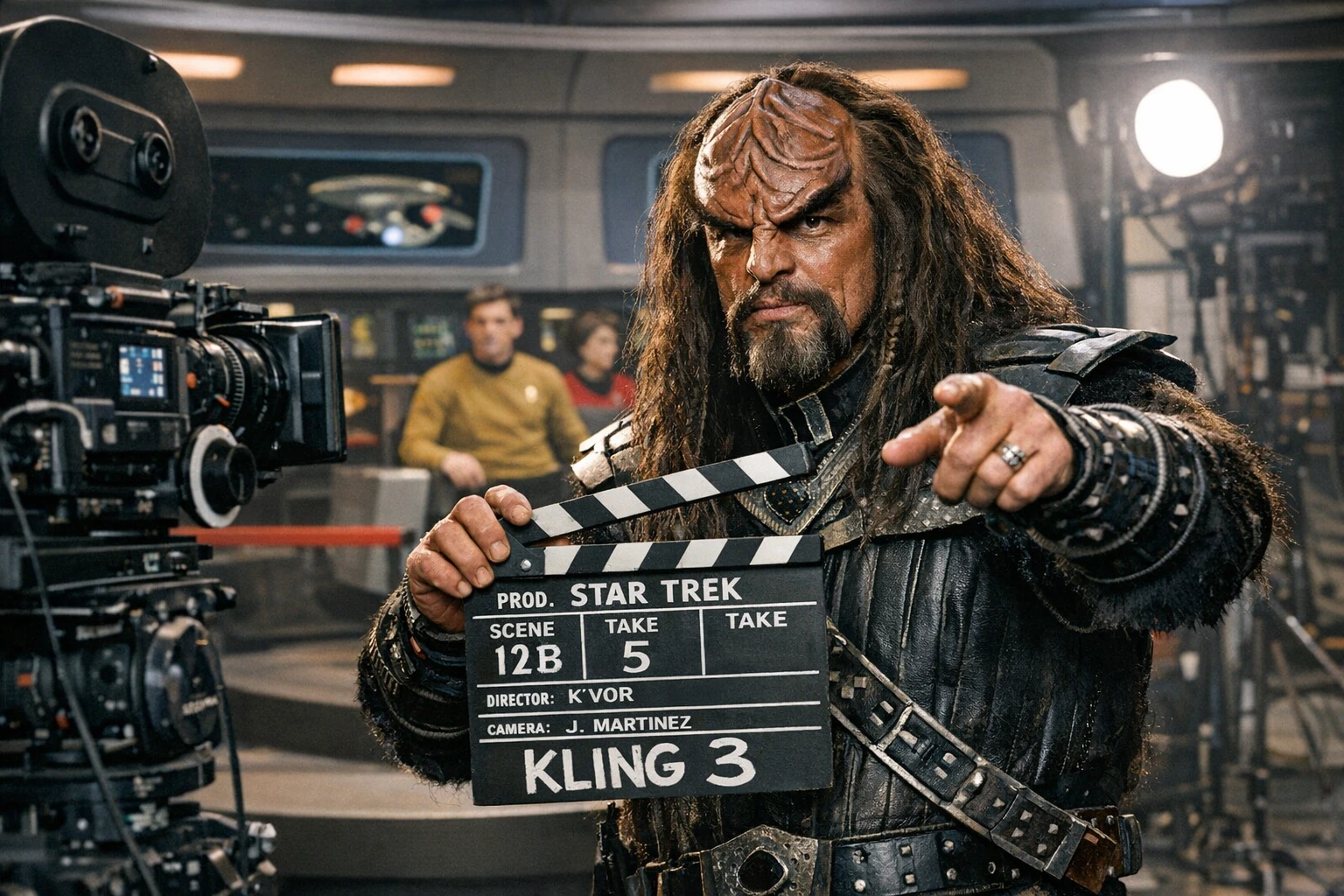
Kling 3.0 is built for cinematic motion, multi-shot storytelling, and native 4K video.
A Cinematic AI Video Workflow with Kling 3.0
Long-Form One-Shot Video
Up to 15 seconds, cinematic one-take sequences in native 4K. Designed for continuous motion scenes such as tunnel runs, transitions, and long-take cinematic shots.
Intelligent Multi-Shot Storyboarding
Multi-shot storyboarding with precise timing and beat control. Create complex scenes with camera transitions, shot–reverse-shot patterns, and physics-driven movement.
Absolute Subject Consistency
Turn images into video while keeping subjects consistent. Reference characters or objects remain stable across frames, shots, and scene transitions.
Native Audio & 4K Output
Multi-voice & multilingual audio sync — Support multiple subjects, distinct voice tones, and accurate audio‑visual alignment in different languages.
How to Use Kling 3 AI
Step 1: Define the Scene
Start by setting the creative direction. Describe the scene, characters, mood, and visual intent using natural language prompts. Kling 3 AI interprets narrative context, motion intent, and cinematic tone as the foundation of the video.
Step 2: Shape Motion and Structure
Refine how the scene unfolds. Control camera movement, pacing, shot order, and transitions through Kling 3's storyboard and motion framework. This step defines cinematic flow, dialogue structure, and visual continuity across shots.
Step 3: Generate the Video
Generate the final sequence through supported platforms. Kling 3 AI delivers a cinematic result with smooth motion, synced audio, and consistent characters, ready for preview and refinement.
What Creators Use Kling 3.0 For
Creators use Kling 3.0 for anime, marketing, brand stories, content series, storyboarding, and multi-style projects — with consistent characters, fast turnaround, and professional quality.
Who Is This For
Filmmakers & Directors — For cinematic storytelling and scene control.
Content Creators — For high-quality, story-driven videos.
Marketing Teams — For cinematic brand visuals.
Studios & Agencies — For scalable video workflows.
Kling 3 FAQs
What is Kling 3.0?
Kling 3.0 is the latest generation of the Kling AI video model, designed for cinematic and realistic video creation. It focuses on motion control, multi-shot storytelling, subject consistency, native audio, and 4K output.
How does Kling 3.0 differ from version 2.6?
Kling 2.6 introduced native audio and improved motion sync. Kling 3.0 expands this with multi-shot storyboarding, stronger subject consistency, enhanced physics-based motion, and better support for longer, story-driven videos.
Start Creating with Kling 3.0 Now
A cinematic workflow built for realistic, story-driven video creation.