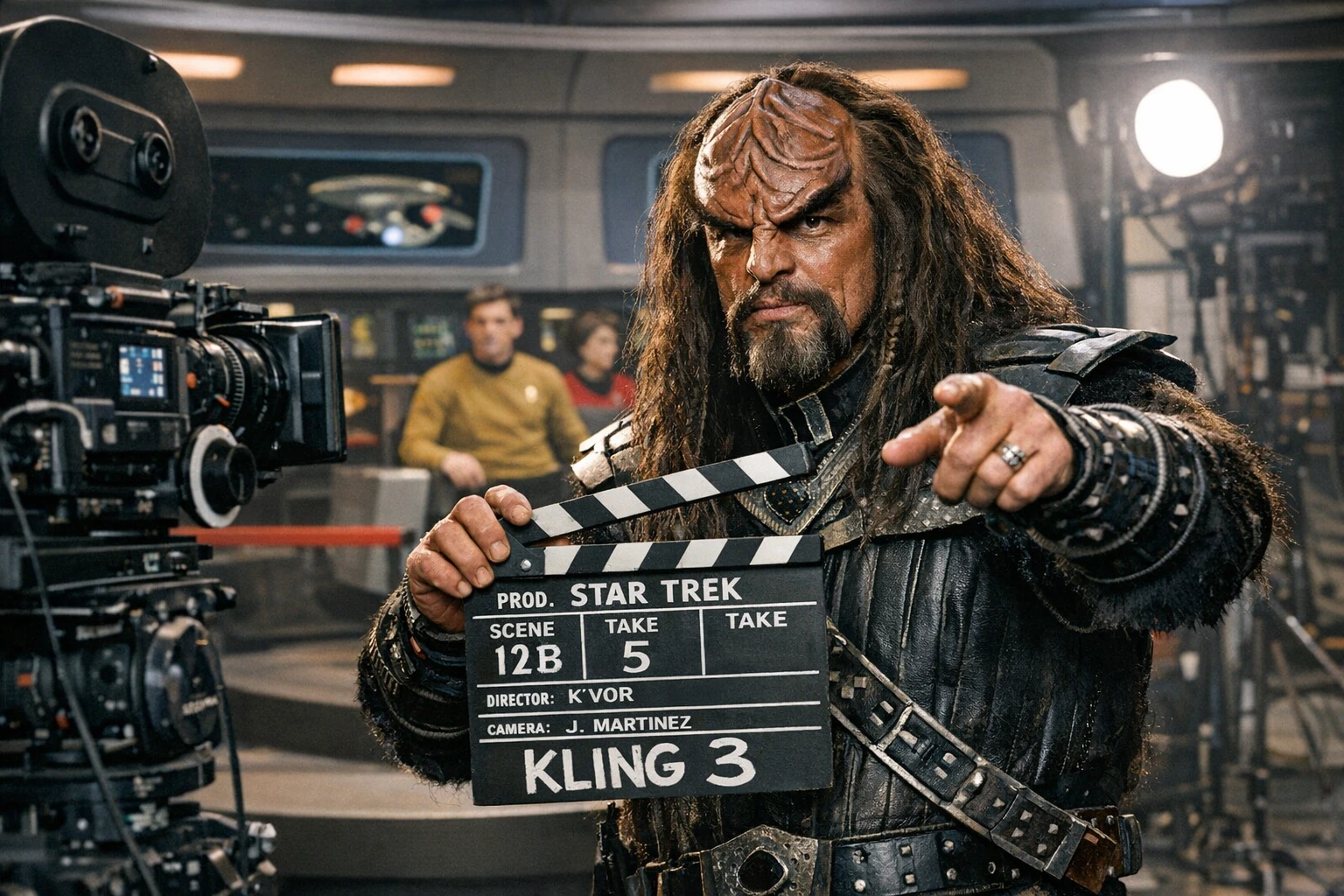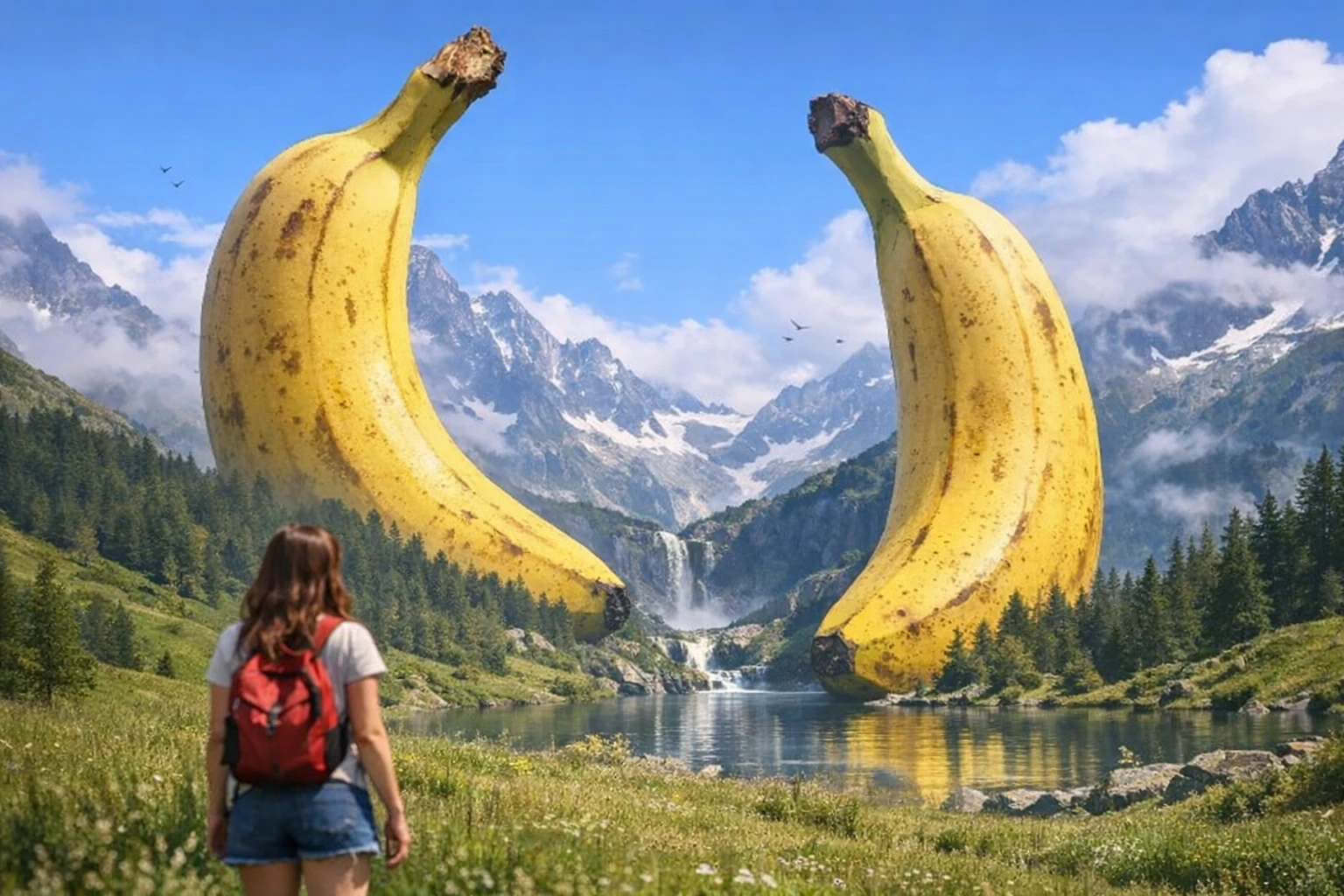
Seedance 2.0 is ByteDance's video model with native audio and multi-reference inputs. In Splice it runs as Seedance 2 Fast, the quicker variant. For longer hero shots, Seedance 2.5 is the newer option.
What it's good at
- Native audio. Ambience, foley and voice come out of the same generation instead of being added afterwards. Audio is on by default; turn it off if you'll score the shot yourself.
- References that hold. Add up to 4 reference images for characters, locations and props, up to 4 reference videos for a camera move or action to follow, and up to 4 reference audio clips for voice or tone.
- Several shots in one clip. Write the prompt as scenes with transitions and it cuts between them, keeping characters consistent.
- Start and end frames. Pin the first or last frame when a shot has to open or land on an exact image.
Length and resolution
Clips run 2 to 15 seconds, at 480p or 720p, in 16:9 or 9:16. It's priced per second, and 720p costs roughly twice as much as 480p, so draft at 480p and switch up for the take you keep. The Generate button shows the exact cost before you commit.
Prompt pattern
Let the references carry identity and use the prompt for action. Give each scene one camera move and name every transition.
Scene 1: [setting + subject + action], [camera move]
Transition: [cut / dissolve / match cut]
Scene 2: [what changes + new framing]
Audio: [ambience, voice or music, if audio is on]
Style: [cinematic / anime / documentary / commercial]
Example prompt
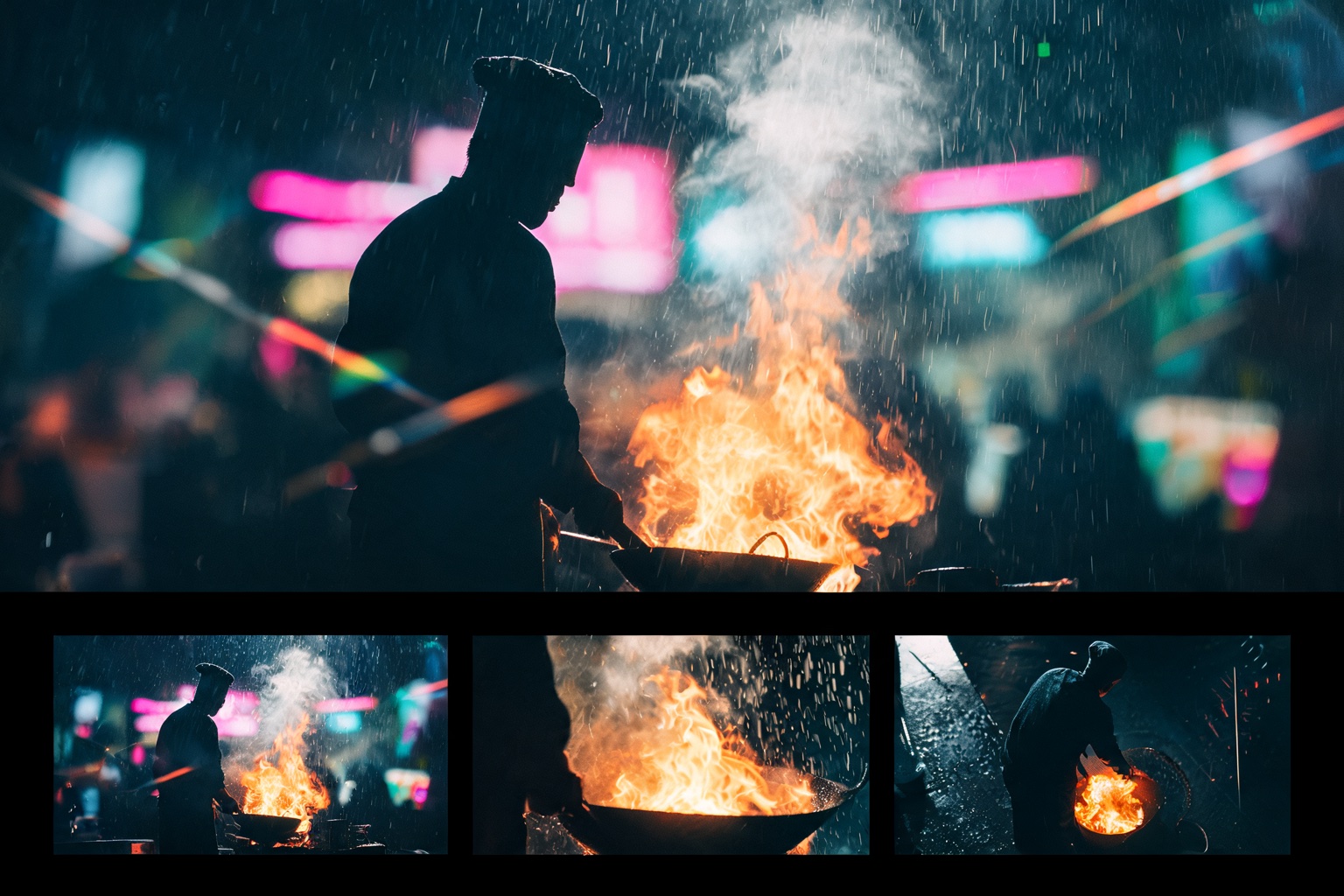
Scene 1: A night market in the rain, a street cook flips noodles over a roaring wok, slow push-in.
Transition: match cut on the flame.
Scene 2: The same cook in close-up, steam drifting across her face as she looks up, handheld.
Audio: sizzling wok, rain on the tarps, distant chatter.
Style: cinematic, warm neon.
Seedance 2 Fast or Seedance 2.5?
- Seedance 2 Fast is quicker and cheaper, and goes up to 15 seconds. Use it for drafts, social cuts and anything you'll iterate on.
- Seedance 2.5 goes up to 30 seconds and takes up to 9 reference images. It's Splice's Best quality tier, so reach for it on final shots.
Use Seedance 2 in Splice
Open Create → Video, choose Choose a specific model, and pick Seedance 2 Fast. Add your references, set the length and resolution, check the cost on the Generate button, then generate.