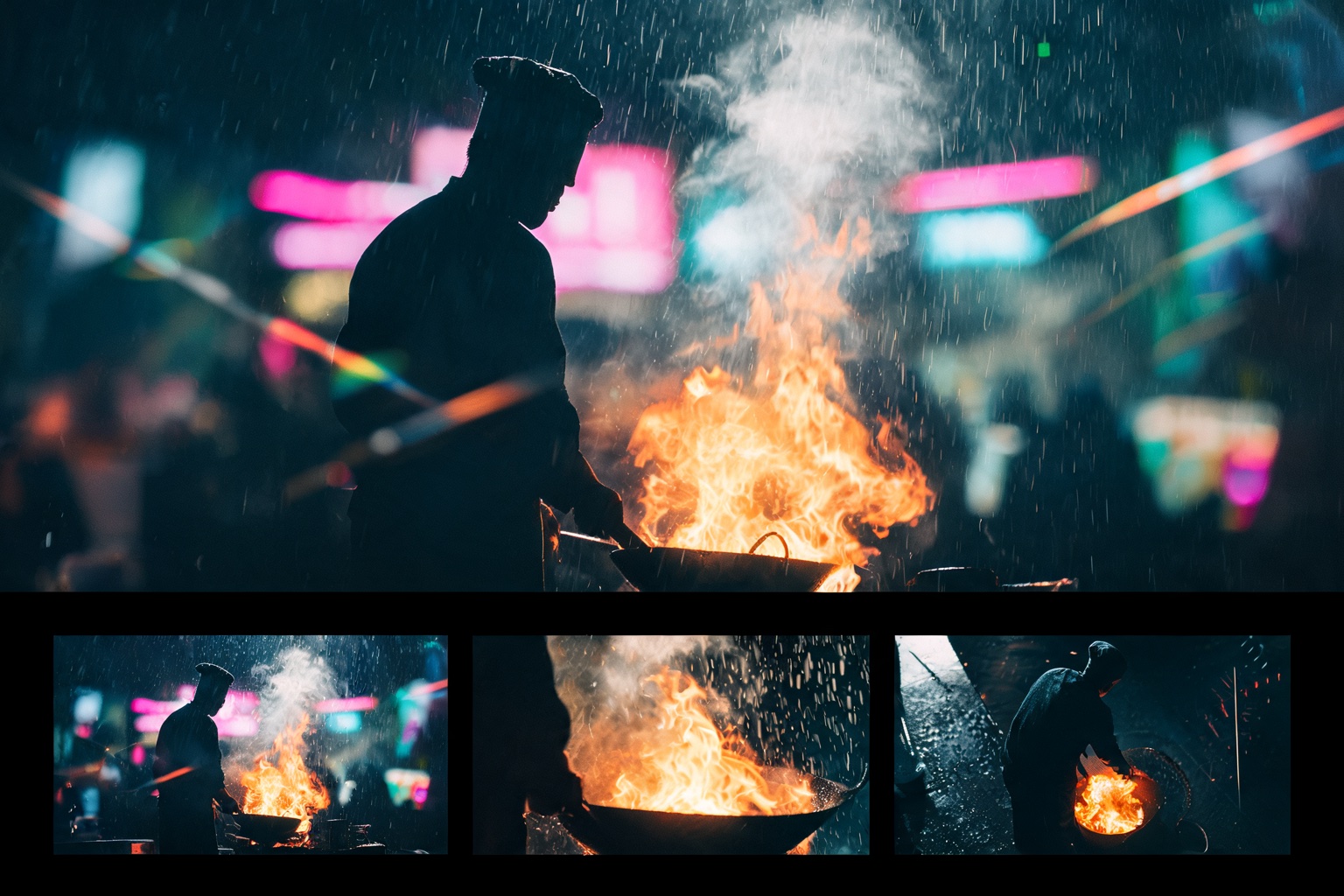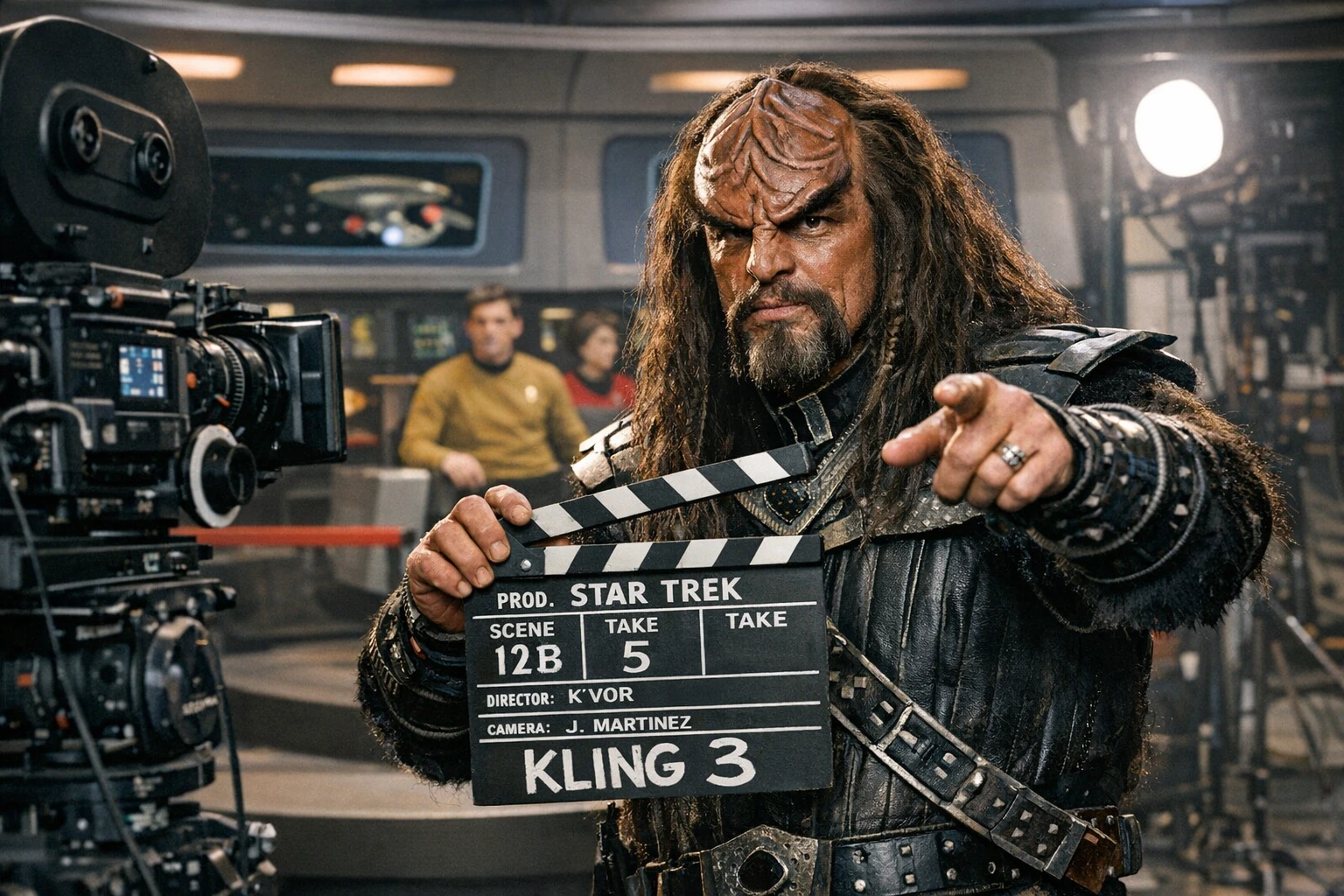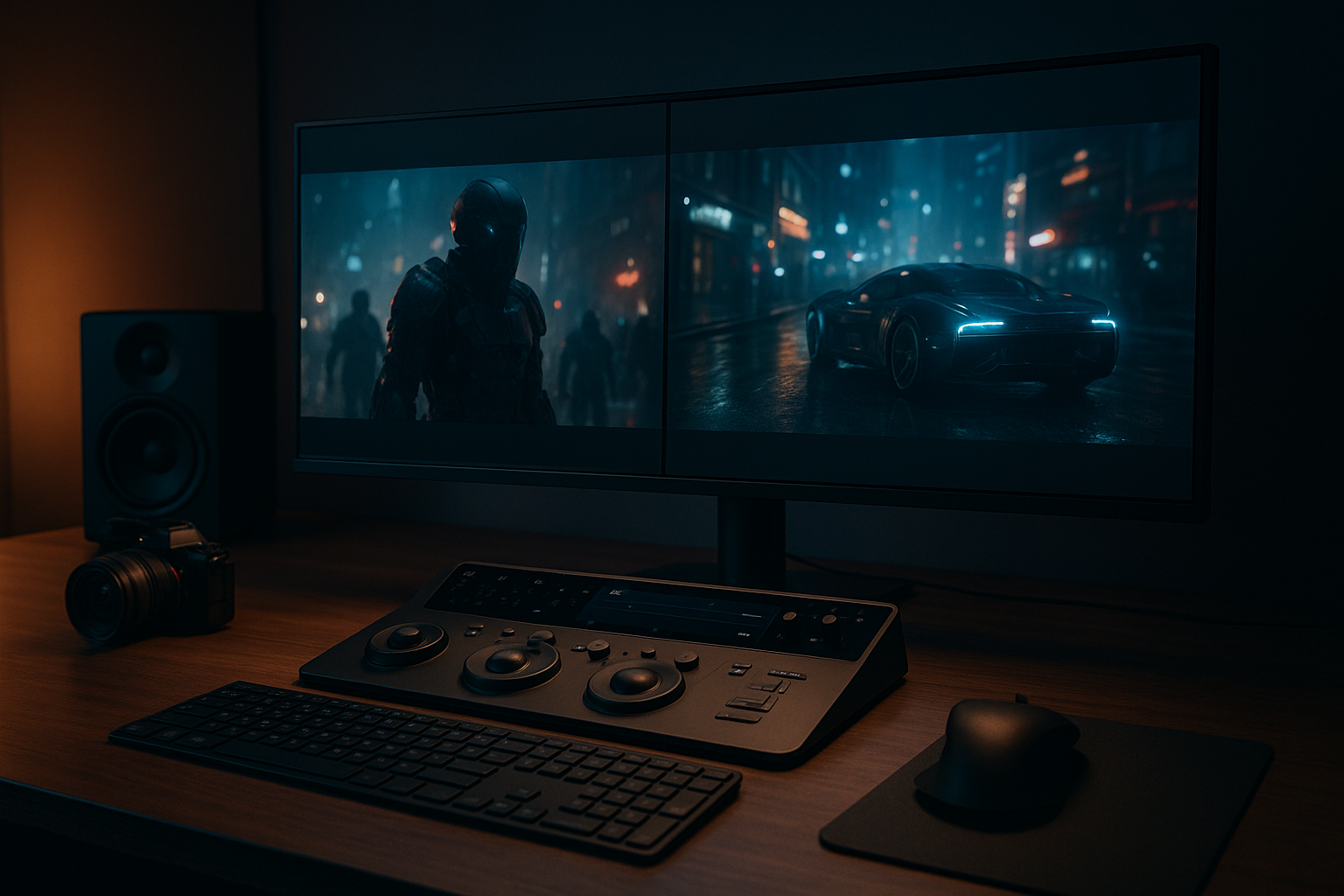
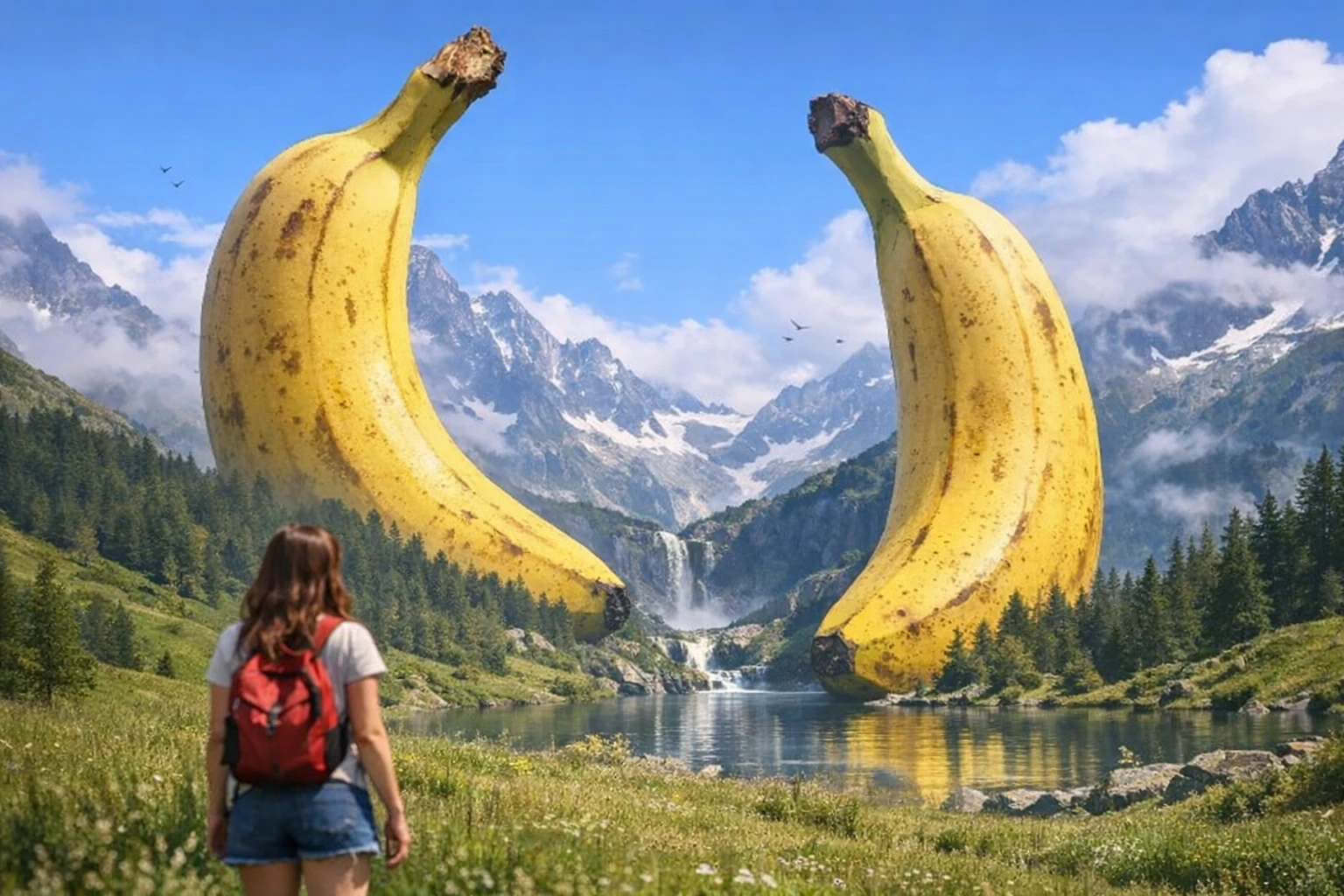
Nano Banana 2 turns frame composition from an afterthought into a superpower. Generate at any aspect ratio, reframe with a prompt, then send to image-to-video. This is how AI filmmaking actually works now.
Google's Nano Banana 2 (built on Gemini 3.1 Flash) isn't trying to be the most powerful image model. It's trying to be the most useful one. And for filmmakers working with AI video tools, useful means fast, compositionally precise, and flexible enough to feed directly into image-to-video pipelines.
The real unlock here isn't just better images. It's what happens when you pair Nano Banana 2's composition control with AI video generation. You frame the shot exactly how you want it — wide, vertical, ultra-panoramic — then animate it. The image becomes your storyboard, your reference frame, your creative anchor.
Available now on Splice.
Why Nano Banana 2 Matters for Filmmakers
This isn't another "look at the pretty pictures" model update. Nano Banana 2 solves specific problems that filmmakers hit every day in AI workflows:
| Problem | How Nano Banana 2 Fixes It |
|---|---|
| Wrong aspect ratio for my shot | Native support for 16:9, 4:3, 1:1, 9:16, 4:1, 1:4, 8:1, 1:8 |
| Composition doesn't match my vision | Improved instruction following — the model does what you ask |
| Too slow for iteration | Flash-speed generation |
| Text/titles look broken | Advanced text rendering with localization support |
| Need to reframe an existing shot | Edit and recompose with a prompt — no Photoshop required |
| Complex prompt gets ignored | Configurable thinking levels for multi-layered prompts |
The Composition-First Workflow
Here's the workflow that makes Nano Banana 2 essential for AI filmmakers:
- Generate — Create your frame with precise composition using Nano Banana 2
- Reframe — Adjust aspect ratio, crop, or recompose using editing prompts
- Animate — Send the final frame to an image-to-video model on Splice
- Iterate — Generate variations with different angles, pick the best, optionally upscale, animate
This is the image-first approach on steroids. Instead of hoping your video model gives you the right composition, you define the composition first, then bring it to life.
Prompting for Frame Composition
Nano Banana 2's improved instruction following means your composition directions actually stick. Be specific about where things are in the frame.
The Composition Prompt Formula
[Shot type]: [Subject] positioned [placement in frame].
[Background/environment]. [Lighting direction and quality].
[Aspect ratio context — what the wide/tall frame reveals].
Wide Establishing Shot (16:9)
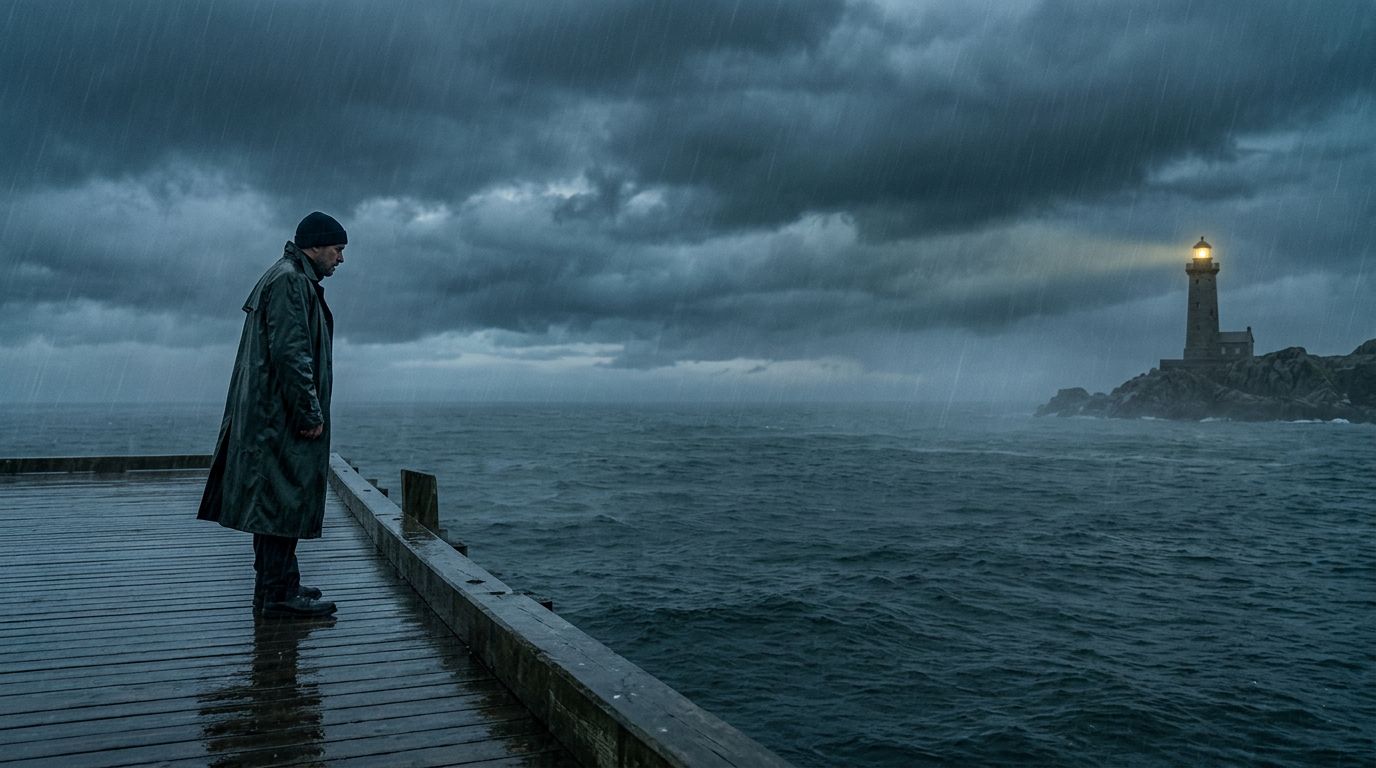
Wide establishing shot: A lone figure in a dark coat stands at
the far left of frame on a rain-slicked pier. The right two-thirds
of the frame is open ocean under heavy storm clouds. A single
lighthouse burns in the distant background, positioned at the
upper right. Cold blue-gray tones, diffused overcast light.
Vertical Character Portrait (9:16)
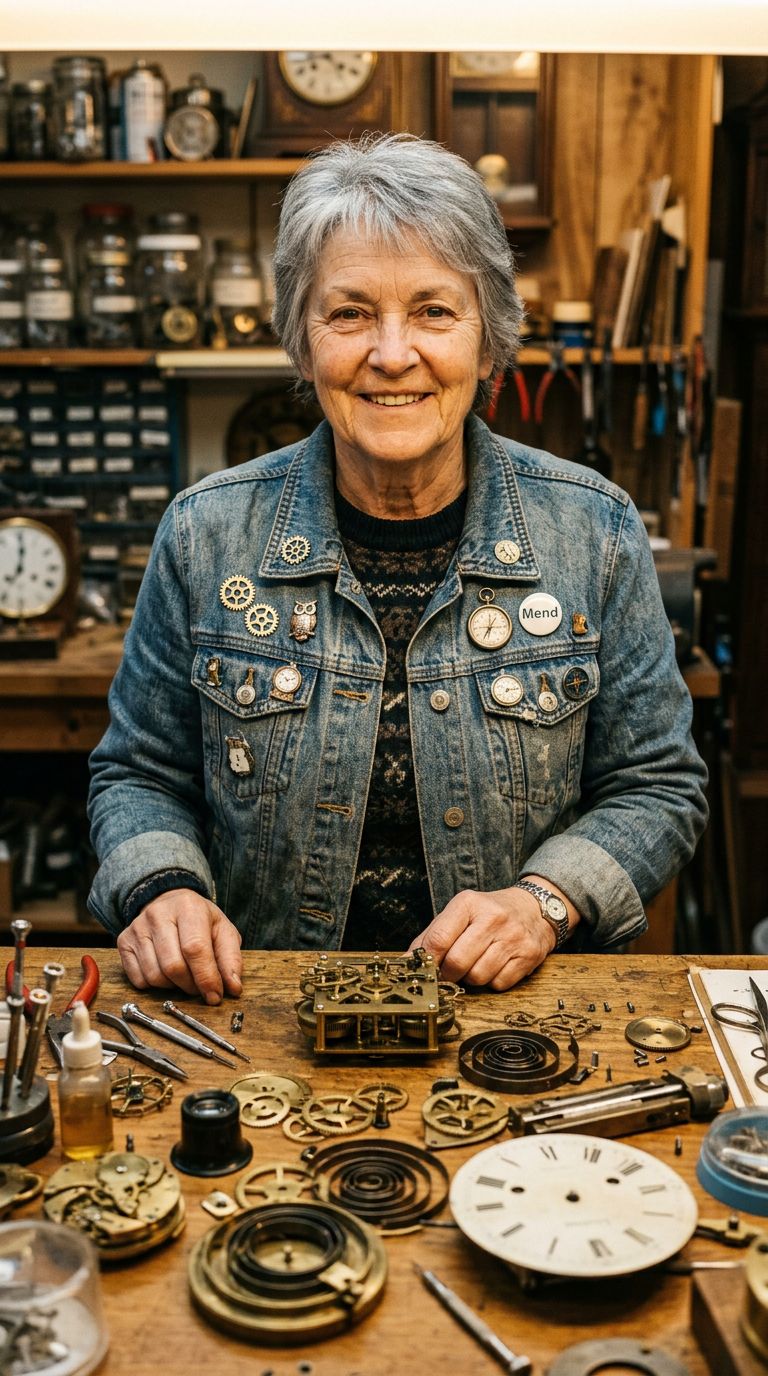
Medium close-up, vertical composition: A woman in her 60s looks
directly into camera, positioned in the upper third of frame.
She wears a faded denim jacket with enamel pins. Below her,
the lower two-thirds reveals a cluttered workshop table with
half-finished clockwork mechanisms. Warm tungsten overhead light
casting defined shadows.
Ultra-Wide Panoramic (4:1)
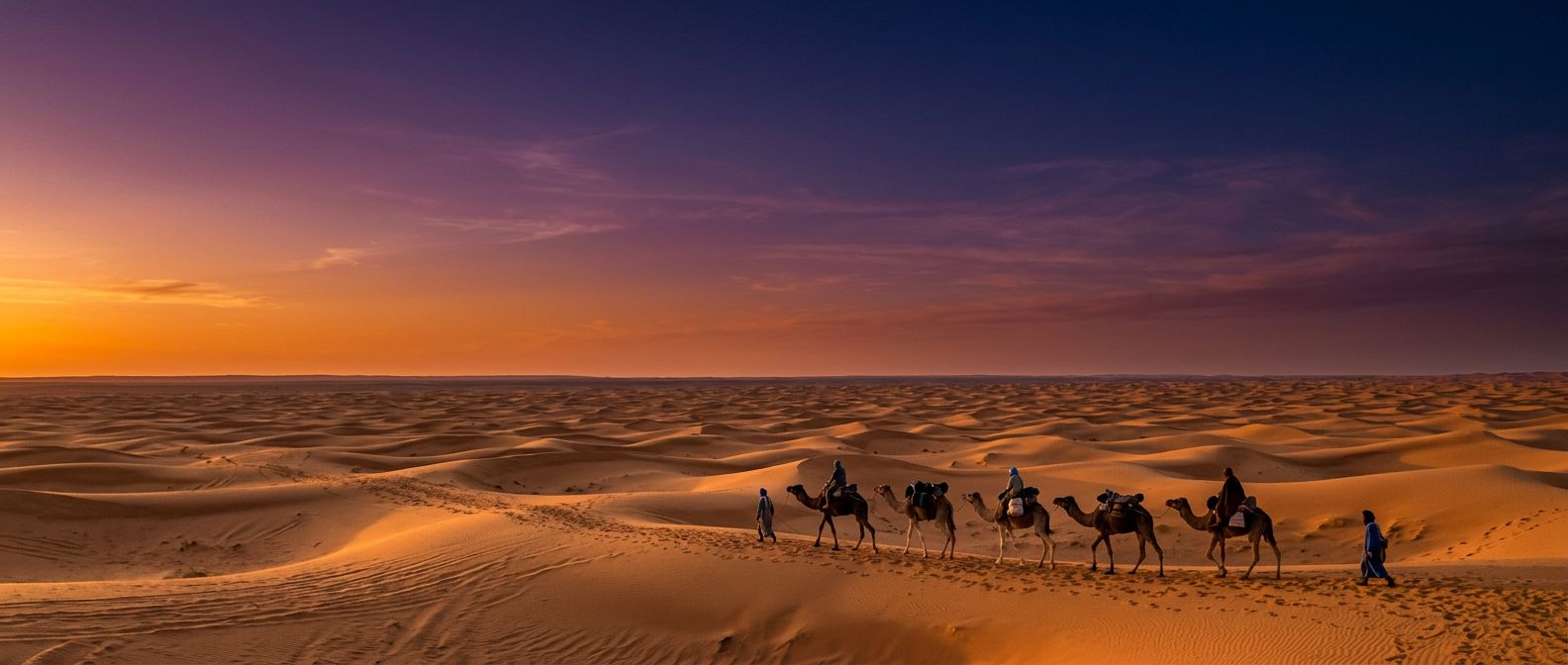
Panoramic landscape: A caravan of six camels crosses a vast
desert from left to right, positioned in the lower quarter of
frame. The horizon line sits at the bottom third. Above, an
enormous sky transitions from deep orange at the horizon through
purple to dark blue at the top. The caravan is small against the
landscape — emphasizing scale and solitude. Golden hour light
from the left.
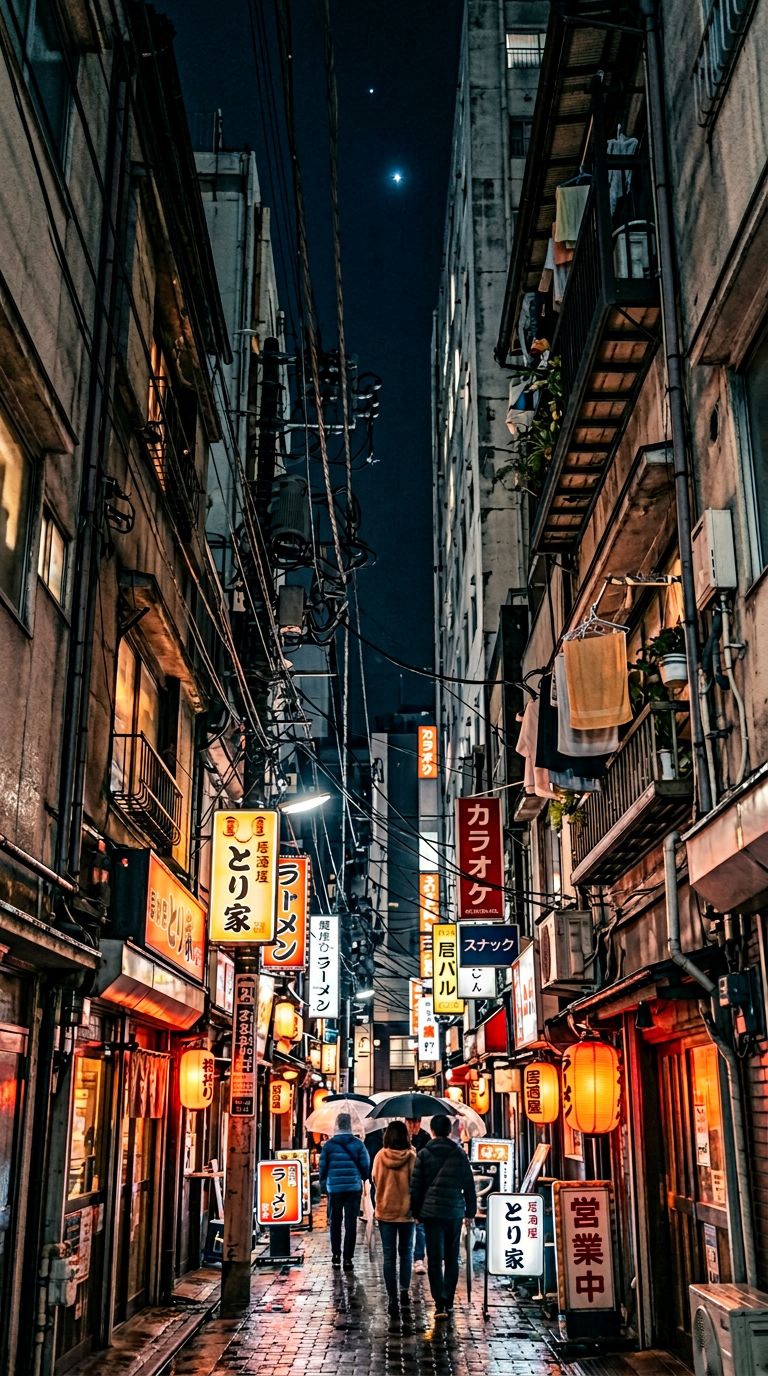
Vertical Scroll (1:4)
Tall vertical composition looking straight up: A narrow alleyway
in Tokyo at night. At the bottom, wet cobblestones reflect neon.
Moving up through the frame: shop signs in Japanese, tangled
power lines, hanging lanterns, laundry on balconies, and at the
very top a thin strip of dark sky with a single star. Each layer
has its own color temperature — warm reds at street level fading
to cool blue at the top.
Reframing: The Killer Feature
This is where Nano Banana 2 earns its place in your workflow. You can take an existing image and recompose it — change the aspect ratio, extend the frame, shift the subject position — all with a prompt.
Reframing Use Cases for Filmmakers
| Starting Point | Reframe To | Why |
|---|---|---|
| 1:1 character portrait | 16:9 wide | Reveal environment for establishing shot |
| 16:9 landscape | 9:16 vertical | Repurpose for Instagram/TikTok |
| Tight close-up | Wide shot | Pull back to show context before animating |
| Centered composition | Rule-of-thirds | Fix static framing before sending to i2v |
| 16:9 scene | 4:1 panoramic | Create epic scope for title sequences |
Reframing Prompt Examples
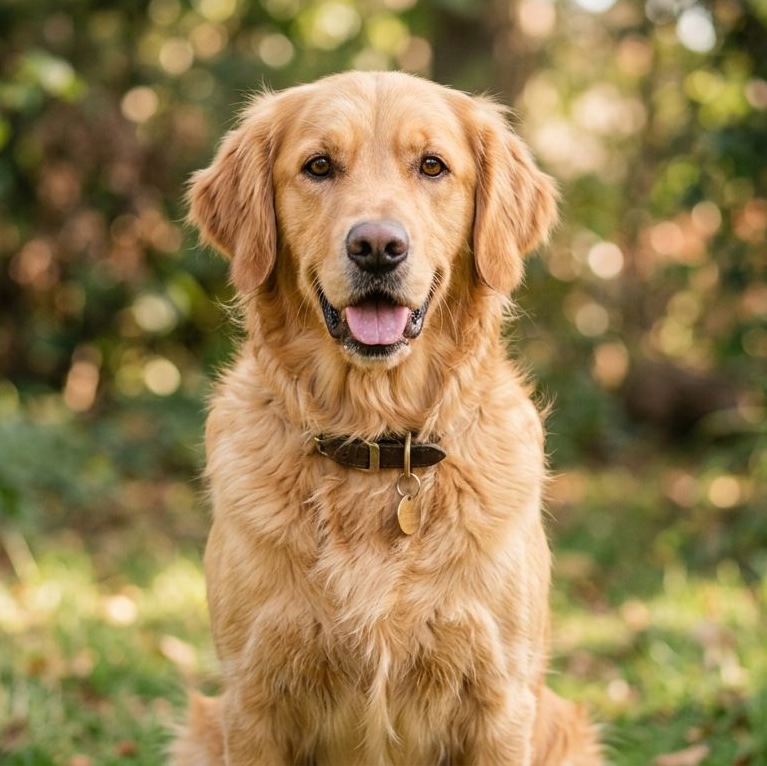
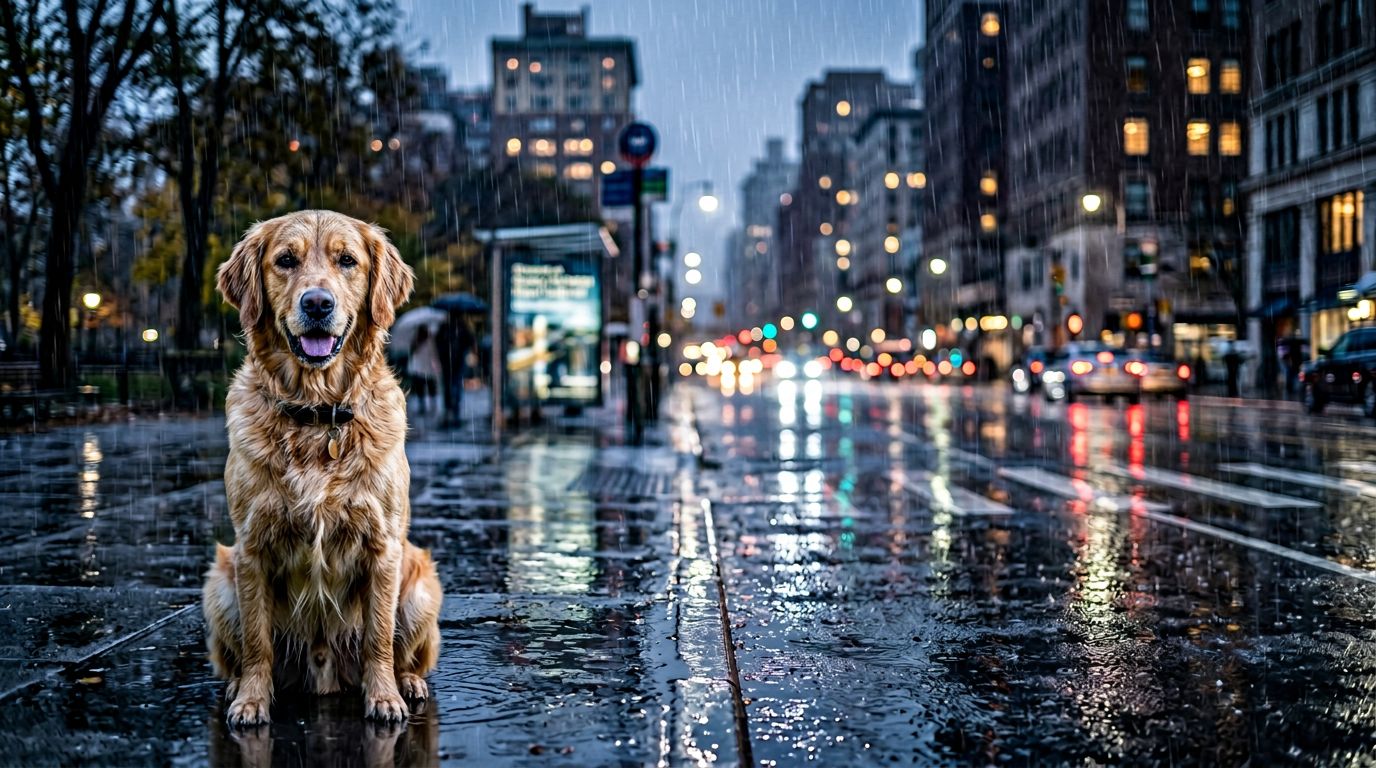
Starting from a centered portrait:
Reframe this image to a wide 16:9 composition. Move the subject
to the left third of frame. Extend the right side to reveal a
rainy city street with blurred headlights and reflections on wet
asphalt, and bring the subject into the city street frame,
and make them wet from the rain.
| Original | Reframe |
|---|---|
 |  |
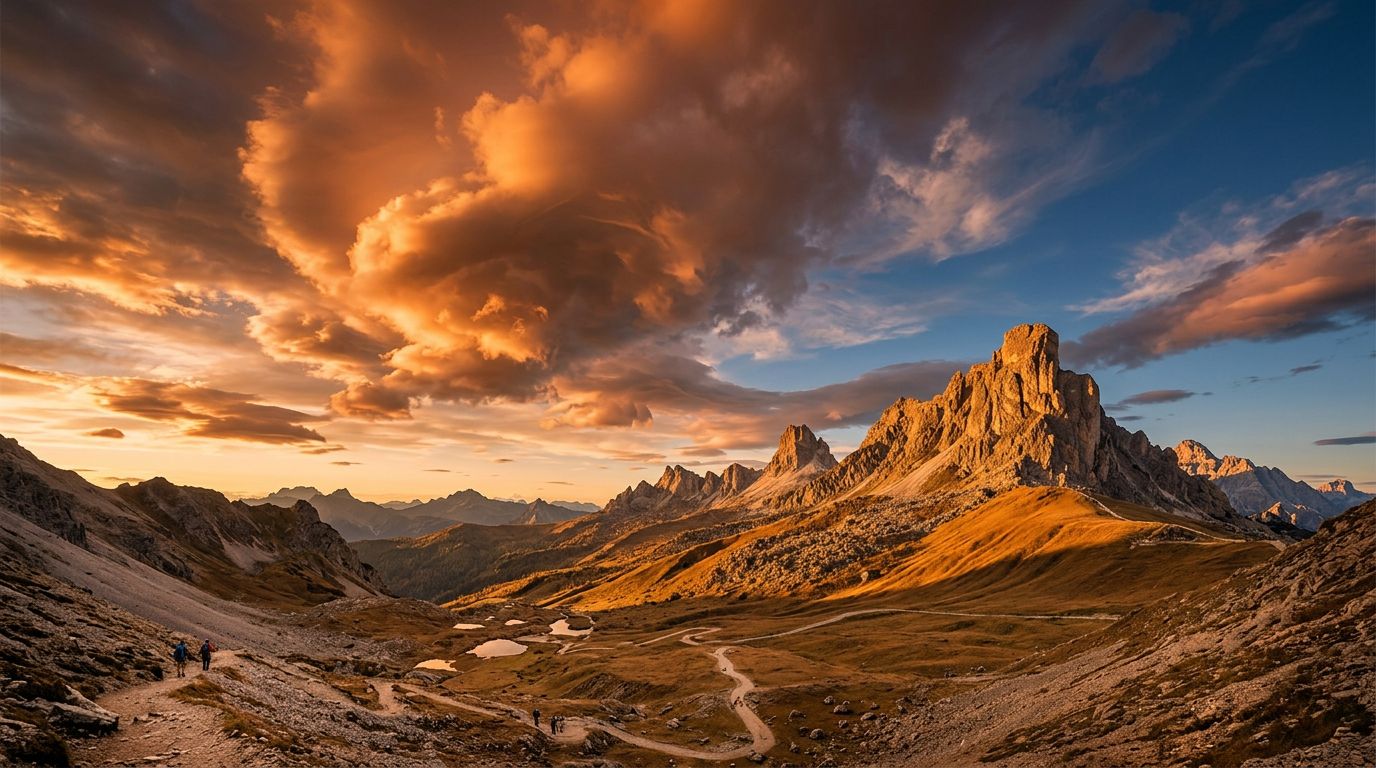
Starting from a wide landscape:
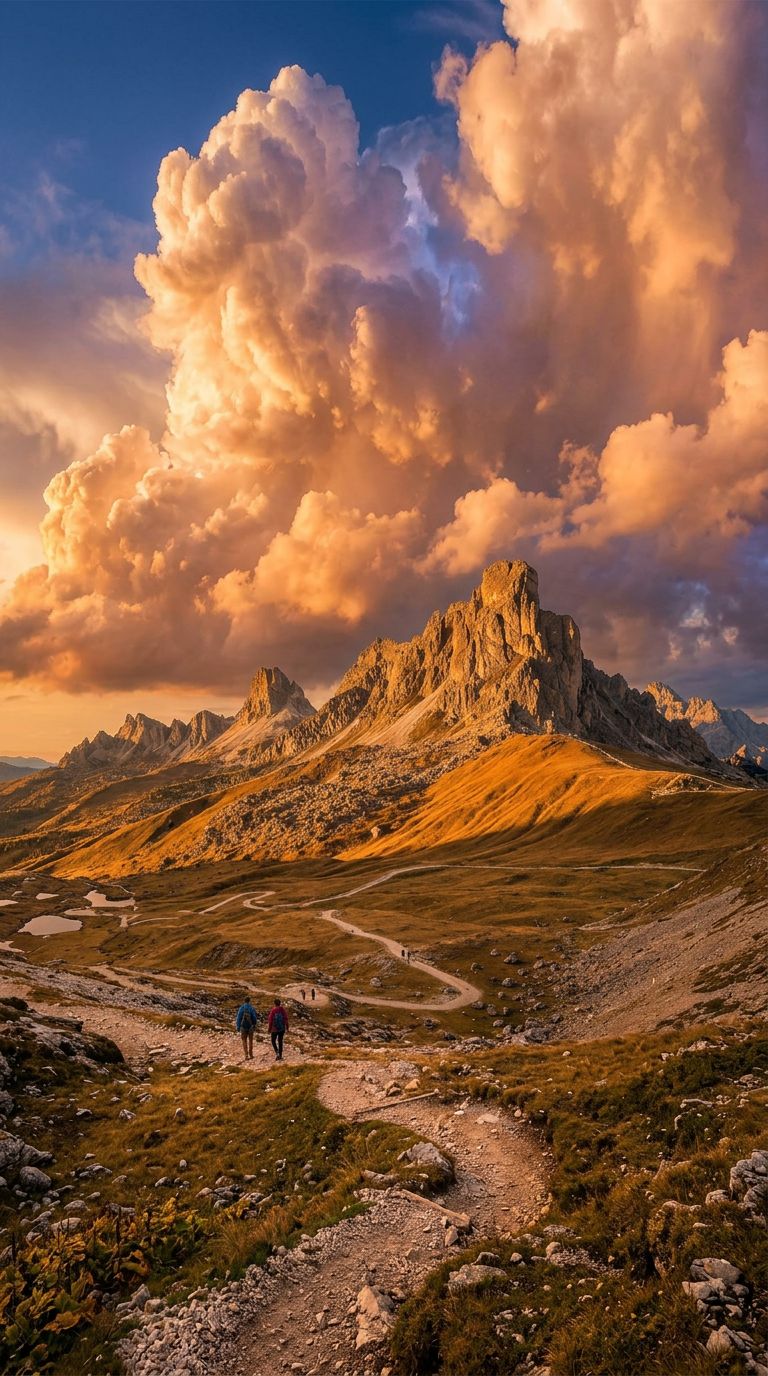
Reframe to 9:16 vertical. Keep the mountain peak centered
horizontally. Extend upward to show more dramatic cloud
formations. Extend downward to reveal a winding trail leading
toward the mountain. Same golden hour lighting.
| Original | Reframe |
|---|---|
 |  |
Pairing with Image-to-Video: Unprecedented Control
Here's where this gets genuinely exciting. The traditional AI video workflow is:
- Write a text prompt
- Hope the video model gives you the right composition
- Reroll 10 times until it does
The Nano Banana 2 workflow is:
- Generate the exact frame you want
- Reframe if needed
- Send to image-to-video — the model animates your composition
You're not leaving composition to chance. You're directing.
Best Practices for i2v-Ready Frames
Imply motion, don't freeze it. Generate frames that suggest what happens next:
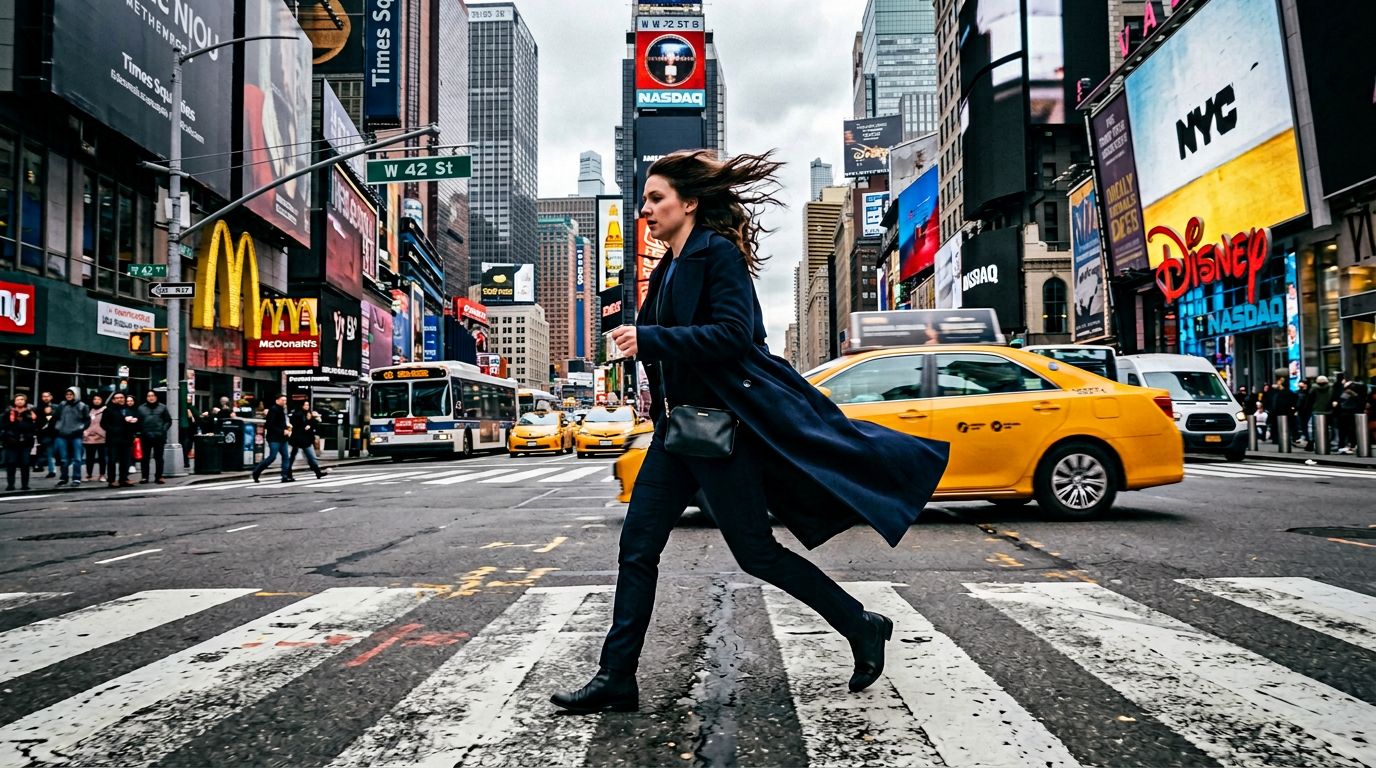
A woman mid-stride crossing a busy intersection, hair caught
by wind blowing left to right. Her coat trails behind her.
Slight motion blur on passing taxi in background. Shot from
low angle, wide lens distortion. Overcast daylight, New York.
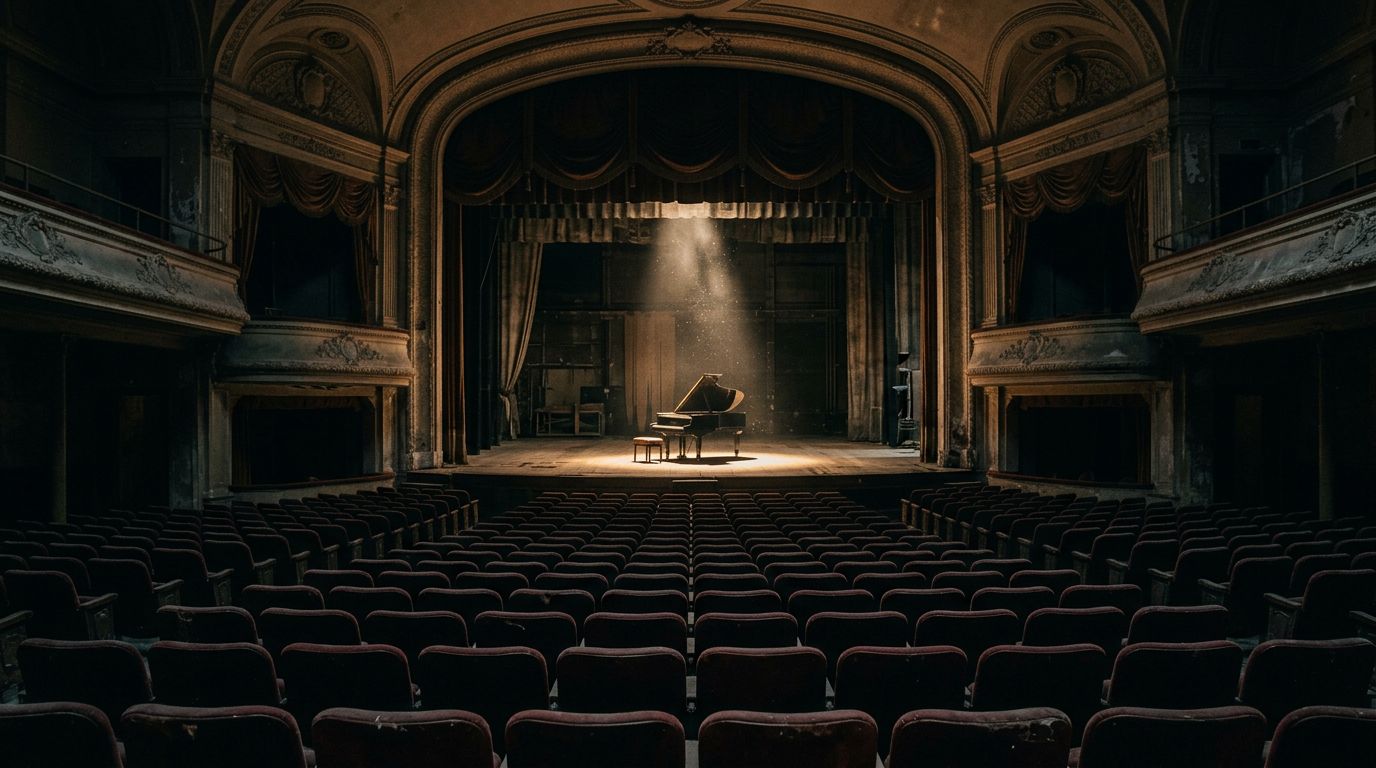
Leave room for camera movement. If you want a push-in, frame slightly wider than your final shot:
Wide shot of an abandoned theater stage. A single spotlight
illuminates a grand piano at center stage. Rows of empty
velvet seats stretch into shadow in the foreground. Dust
particles visible in the spotlight beam. Frame is wider than
needed — allowing for a slow push-in during animation.
Match your i2v model's preferred aspect ratio. Most video models work best at 16:9 or 9:16. Generate your Nano Banana 2 frame at the same ratio to avoid cropping surprises.
Text and Title Cards
Nano Banana 2's text rendering is a genuine step up from Flash-era models. This matters for filmmakers creating title sequences, lower thirds, and text overlays.
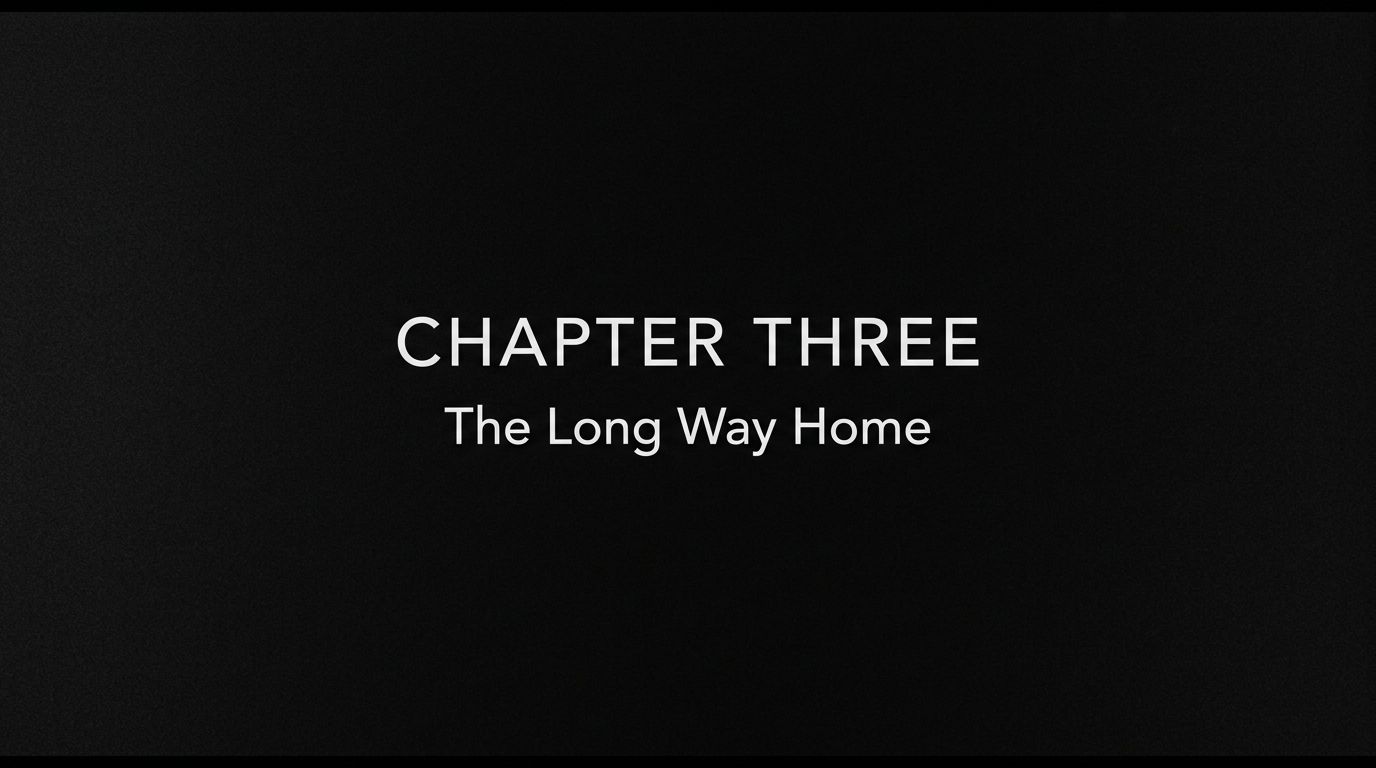
Black background. Centered white text in a clean sans-serif
font reads "CHAPTER THREE" in small caps. Below it in slightly
smaller text: "The Long Way Home". Subtle film grain texture
over the entire frame. Minimalist, Criterion Collection aesthetic.
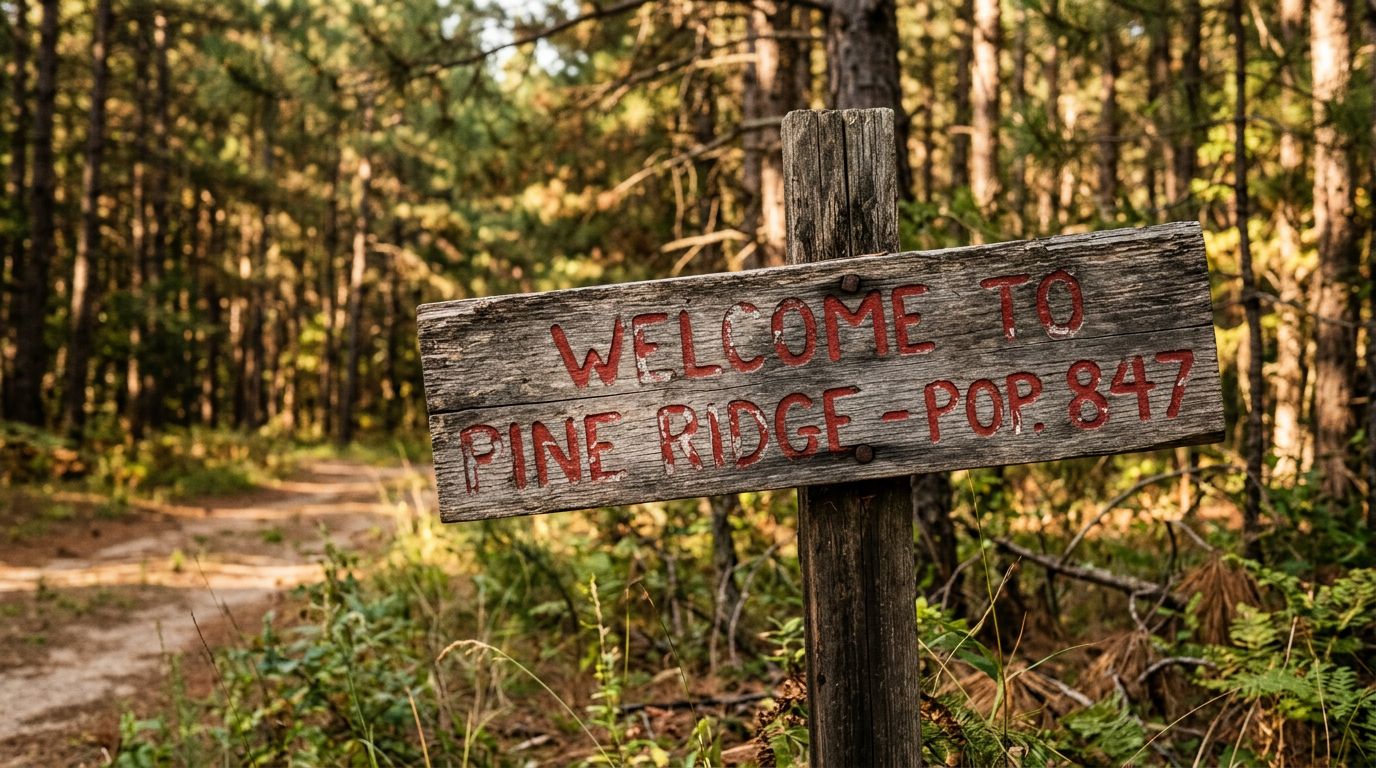
Weathered wooden sign nailed to a post. Hand-painted text reads
"WELCOME TO PINE RIDGE - POP. 847" in faded red paint. Some
letters are chipped. Background is out-of-focus pine forest.
Warm afternoon light. The sign is slightly crooked.
Common Mistakes
| ❌ Weak | ✅ Strong |
|---|---|
| "A beautiful landscape" | "Wide 16:9 landscape: mountain range fills the upper third, wildflower meadow in lower two-thirds, dirt path leading from bottom center to mid-frame" |
| "Portrait of a man" | "Vertical 9:16 medium shot: man in his 40s positioned upper frame, looking camera-left. Shallow depth of field, blurred bookshelf behind. Soft window light from right" |
| "Cinematic scene" | "Low-angle wide shot: silhouette of a figure standing on a rooftop against a sunset sky. Figure positioned at left third. City skyline stretches across the horizon. Warm orange-to-purple gradient sky" |
| "Reframe this wider" | "Reframe to 16:9. Keep subject at current position in left third. Extend right side to reveal an empty hallway with fluorescent lighting. Same color temperature" |
| Using high thinking for simple prompts | Use minimal for drafts, high thinking for complex multi-element compositions |
Pro Tips
-
Aspect ratio. Match your target i2v model's preferred ratio. Reframe the camera angle, time of day etc with the image.
-
Describe the frame, not just the subject. "A cowboy" gives you a centered cowboy. "A cowboy at the far right of a wide 16:9 frame, looking left across an empty desert highway that stretches to a vanishing point at the left edge" gives you a composed shot.
-
Use reframing to create shot sequences. Take one great image and reframe it three ways: wide establishing, medium two-shot, tight close-up. Now you have a shot sequence with perfect visual consistency — ready for i2v.
-
Imply the next moment. When generating frames for image-to-video, think about what the video model will do with your frame. A character mid-gesture gives the video model something to complete. A static pose gives it nothing.
-
Reframe before you animate, not after. It's tempting to crop video after generation. Don't. Reframe the still image first, then animate. You get much better results because the i2v model works with the full intended composition.
-
Use the vertical ratios for social content. 9:16 frames generated specifically for vertical viewing look intentional. Cropping a 16:9 frame to vertical always looks like an afterthought.
-
Pair with any i2v model on Splice. Nano Banana 2 doesn't care what video model you use downstream. Generate your frame here, animate with Kling, Runway, Veo, Seedance — whatever fits the shot.
Ready to put these techniques into practice? Try Splice — film.fun's AI Creator Studio. Generate video, edit in the browser, and bring your stories to life. Learn more at academy.film.fun.