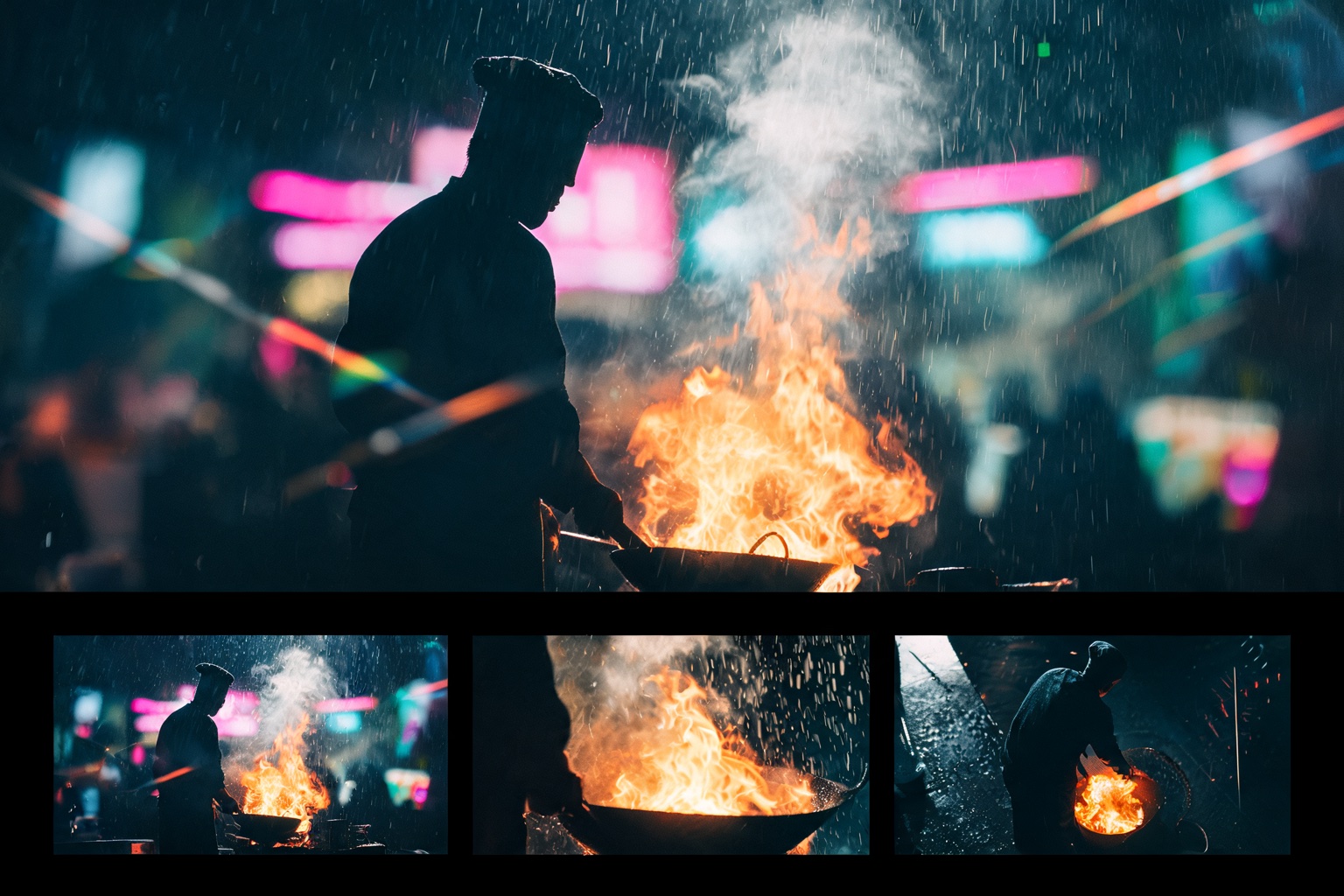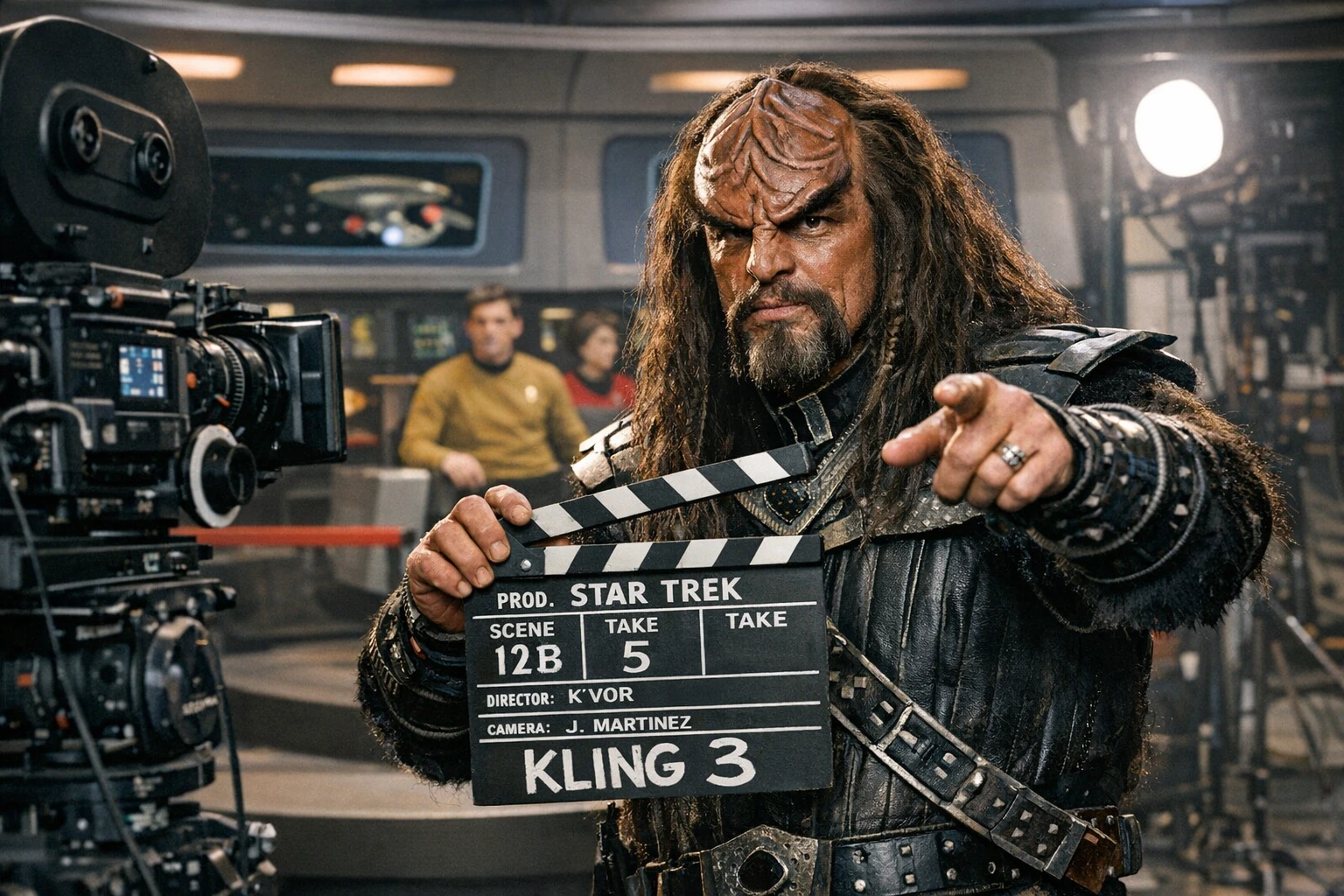
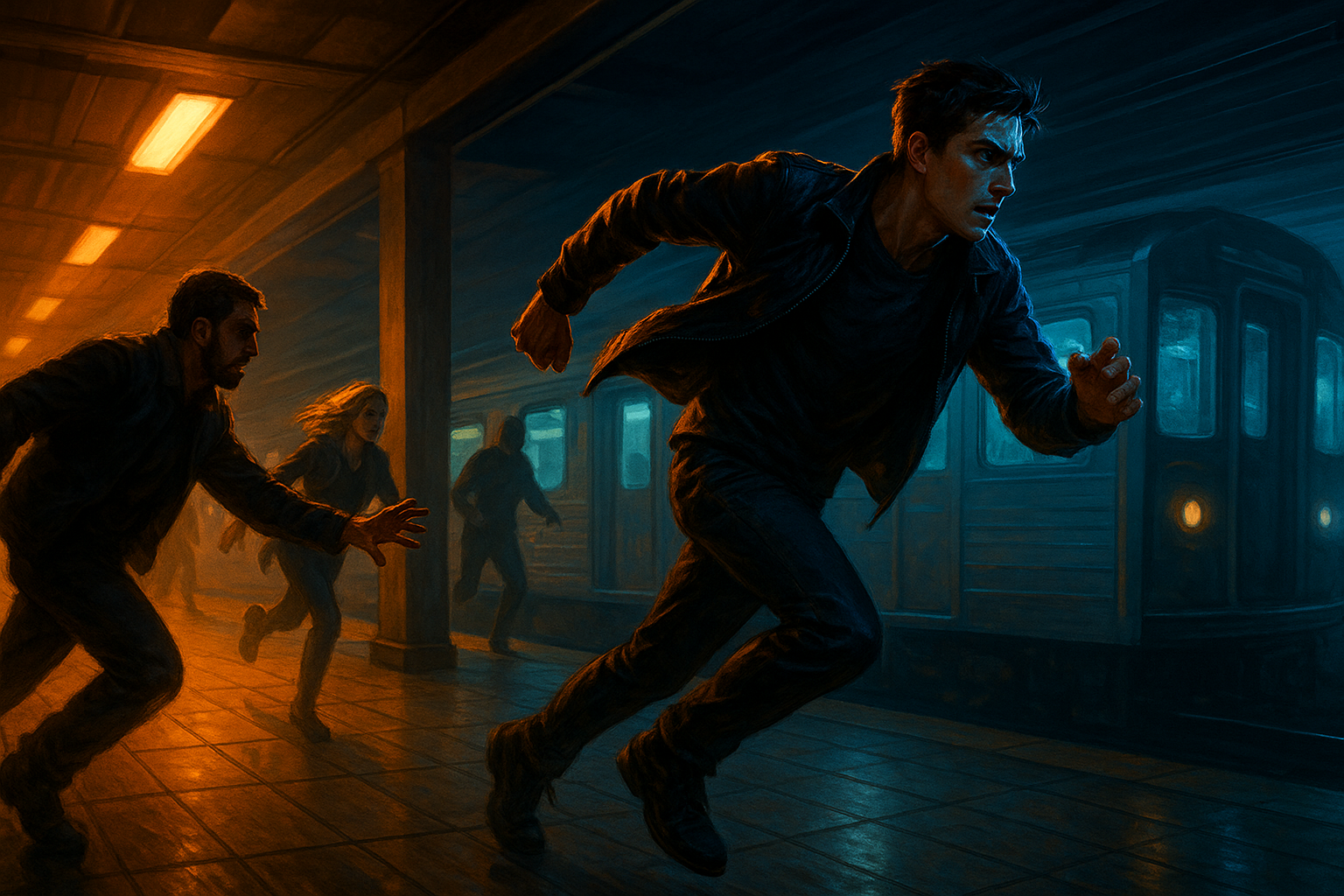
LTX-Video from Lightricks generates 30fps video — with dialogue, singing, and sound — faster than you can watch it. Here's how to prompt the most capable open-source video model.
LTX-Video is Lightricks' open-source DiT-based video model — the first capable of generating high-quality video in real-time. It produces 30fps output at 1216×704 resolution faster than playback speed. With models ranging from 2B to 13B parameters, built-in voice/dialogue generation, and ControlNet support (depth, pose, canny), it's the most feature-rich open-source AI video model available.
Developer: Lightricks
Available on Splice: Yes — splice.film.fun (as Lightricks LTX2).
Resolution: 1080p with audio.
Aspect ratios: 1:1 (square), 4:3, 16:9 (widescreen), 21:9 (ultrawide), 9:16 (vertical/stories), 3:4 (portrait).
Duration: 2, 3, 4, 5, 6, 7, 8, 9, or 10 seconds.
Features: First Frame input (image-to-video), Advanced settings, audio generation.
Prompt Structure
LTX-Video works best with a single flowing paragraph — not bullet points or fragmented instructions. Write it like a scene description, present tense, flowing naturally from beginning to end. Aim for 4-8 descriptive sentences.
The 6-Element Framework
Every prompt should cover these elements, woven into natural prose:
| Element | What to Include | Key Vocabulary |
|---|---|---|
| 1. Shot & Camera | Shot scale, camera movement, end position | "Slow dolly in," "handheld tracking," "camera pans right to reveal" |
| 2. Scene & Setting | Location, time, lighting, atmosphere | "Dimly lit jazz club," "golden-hour light," "fog at ground level" |
| 3. Subject & Character | Age, hairstyle, clothing, distinguishing features | Physical details, not abstract labels |
| 4. Action | What happens, as a natural sequence | Present tense, flowing from beginning to end |
| 5. Visual Style | Color palette, textures, film characteristics | "Film noir palette," "warm amber," "film grain" |
| 6. Audio | Ambient sound, music, dialogue, voice quality | Sound descriptions, dialogue in quotes |
The Golden Rules
- Present tense for everything: "walks" not "walked," "the camera pushes in" not "push the camera in"
- Physical cues over emotional labels: "Her jaw tightens and she looks away" not "She feels sad"
- Match detail to shot scale: Close-ups need specific textures and micro-expressions; wide shots need environment and atmosphere
- Describe camera end-states: "The camera pushes in, settling on a close-up of her face" helps the model complete the motion accurately
- One flowing paragraph: Not a shot list, not bullet points
Prompt Examples
Example 1: Dialogue Scene (Screenplay Style)
LTX-Video excels at screenplay-format prompts for dialogue scenes:
EXT. SMALL TOWN STREET – MORNING – LIVE NEWS BROADCAST. The shot
opens on a news reporter standing in front of cordoned-off cars,
yellow caution tape fluttering behind him. Warm early sun reflects
off the camera lens. The reporter, composed but visibly excited,
looks directly into the camera, microphone in hand. "Thank you,
Sylvia — this morning, here in the quiet town of New Castle,
Vermont, black gold has been found!" He gestures toward the field
behind him. The camera pans right, slowly revealing a construction
site. With a sudden roar, a geyser of oil erupts from the ground.
Workers cheer, the black stream glistening in the morning light.
The camera shakes slightly through the chaos.
Why this works: Screenplay format (EXT. LOCATION – TIME), dialogue in quotes, camera direction embedded naturally, physical action described sequentially, audio implied by the scene.
Example 2: Animation with Voice
The camera opens in a calm, sunlit frog yoga studio. Warm morning
light washes over the wooden floor as incense smoke drifts lazily
in the air. The senior frog instructor sits cross-legged at the
center, eyes closed, voice deep and calm. "We are one with the
pond." All the frogs answer softly: "Ommm..." He smiles faintly.
"We are one with the flies." A pause. The camera pans to one frog
who twitches, eyes darting. Suddenly its tongue snaps out, catching
a fly mid-air. The master exhales slowly, still serene. "But we
do not chase the flies... not during class." The guilty frog lowers
its head in shame, folding its hands back into a meditative pose.
Why this works: Animated style implied by subjects (talking frogs), dialogue drives the story, physical comedy described through action not labels, camera movement serves the comedic reveal.
Example 3: Cinematic Atmosphere
A dimly lit jazz club in 1950s New York. A saxophone player in
a wrinkled suit plays a slow melody with eyes closed, swaying
gently. Smoke curls through amber spotlights behind him. A few
patrons at small tables cradle drinks in the blue shadows. Medium
shot, slightly low angle. The camera pushes in slowly, settling
on his face as he opens his eyes mid-phrase. Warm amber spotlight
on subject, deep blue shadows, film noir palette. The saxophone
melody fills the room, mixing with the clink of glasses and low
murmured conversation. Intimate, melancholic.
Example 4: Commercial Energy
A sunlit rooftop pool overlooking a city skyline at golden hour.
A woman in an orange swimsuit runs toward the edge and dives into
crystal-clear water. The camera tracks the arc of her dive in
slight slow motion, water droplets catching the light. City
buildings and palm trees glow behind her under a clear sky. Bright
midday sun creates specular highlights dancing on the pool surface.
Vivid saturated colors. The splash echoes against the rooftop
walls, followed by the ambient hum of the city below. Energetic,
aspirational.
Example 5: Horror Atmosphere
An abandoned Victorian hospital corridor stretches into darkness.
An empty wheelchair sits in the center of the hallway. It begins
to slowly roll forward on its own, wheels creaking on the tile
floor. Peeling wallpaper lines the walls, broken ceiling tiles
hang overhead, and a single fluorescent light flickers at the far
end. Long shot, symmetrical composition. Camera completely static,
locked off. Sickly green tint, deep black shadows. The only sound
is the wheelchair's wheels and the electric buzz of the dying
light. Dread, isolation.
Example 6: Nature Documentary
Dense Amazon canopy dappled with morning sunlight. A brilliant
blue morpho butterfly lands delicately on a wet leaf, its wings
slowly opening and closing. Water droplets glisten on the leaf
surface. Extreme close-up, macro lens feel. Camera holds perfectly
still. Rich saturated greens and electric blue. Natural diffused
daylight filtering through the canopy. The ambient sound of
distant birds and dripping water. Serene, detailed.
Voice and Dialogue
LTX-Video generates native audio including spoken dialogue, singing, ambient sound, and music. This is one of its standout features alongside Veo 3.
Dialogue Rules
- Place spoken words in quotation marks within the scene description
- Specify language and accent if needed
- Describe voice quality with physical terms, not just emotion
Voice Style Vocabulary
| Style | Prompt Term |
|---|---|
| Authoritative | "Resonant voice with gravitas" |
| Excited | "Energetic announcer voice" |
| Creepy | "Distorted radio-style voice" |
| Robotic | "Flat robotic monotone" |
| Innocent | "Childlike curiosity in her voice" |
| Quiet | "She whispers" / "He mutters under his breath" |
| Loud | "He shouts" / "She screams" |
Audio Prompting
Describe the soundscape as part of your scene:
✅ "The saxophone melody fills the room, mixing with clinking
   glasses and low murmured conversation"

✅ "Wind howls through the broken windows. Distant thunder.
   Rain patters on the concrete floor."

✅ "Upbeat electronic music pulses in the background as
   the crowd cheers"
Characters can sing. LTX-Video handles musical performance:
A street musician sits on stone steps in a narrow European alley,
strumming an acoustic guitar and singing a warm, gravelly folk
melody. His voice echoes off the old stone walls. Golden afternoon
light catches dust motes in the air. Medium shot, static camera.
What LTX-Video Excels At
| Strength | Details |
|---|---|
| Cinematic compositions | Wide, medium, and close-up shots with thoughtful lighting, shallow depth of field, natural motion |
| Emotive human moments | Strong single-subject emotional expressions, subtle gestures, facial nuance |
| Atmosphere & setting | Fog, mist, golden-hour light, rain, reflections, ambient textures |
| Clear camera language | Explicit instructions: "slow dolly in," "handheld tracking," "camera pans right" |
| Stylized aesthetics | Painterly, noir, analog film, fashion editorial, pixelated animation, claymation, stop-motion |
| Lighting & mood | Backlighting, color palettes, rim light, flickering lamps, neon glow |
| Voice & dialogue | Characters talk and sing, multiple languages, ambient sound, music |
| Speed | Real-time generation enables rapid iteration — test 10 variations in the time other models do 1 |
What to Avoid
| Avoid | Why | Do This Instead |
|---|---|---|
| Emotional labels | "Sad" or "confused" don't translate to visual output | "Eyes lowered, jaw tightened, she turns away" |
| Text and logos | Readable text is not currently reliable | Use text-in-video models like Wan 2.1 for this |
| Complex physics | Chaotic multi-body motion introduces artifacts | Keep physics simple; dancing is OK, demolition derby is not |
| Overloaded scenes | Too many characters or simultaneous actions reduce quality | One primary subject, one clear action |
| Conflicting lighting | Mixed light logic confuses scene interpretation | Commit to one lighting setup per generation |
| Overcomplicated prompts | Start simple and layer complexity gradually | Begin with 3-4 sentences, add detail only if needed |
| Past tense or commands | Model responds best to present tense narration | "She walks" not "She walked" or "Make her walk" |
Style Vocabulary
Categories
| Type | Styles |
|---|---|
| Animation | Stop-motion, 2D / 3D animation, claymation, hand-drawn |
| Stylized | Comic book, cyberpunk, 8-bit pixel, surreal, minimalist, painterly, illustrated |
| Cinematic | Period drama, film noir, fantasy, epic space opera, thriller, modern romance, experimental film, arthouse, documentary |
Visual Details
| Element | Terms |
|---|---|
| Lighting | Flickering candles, neon glow, natural sunlight, dramatic shadows, rim light, backlighting |
| Textures | Rough stone, smooth metal, worn fabric, glossy surfaces, wet pavement |
| Color | Vibrant, muted, monochromatic, high contrast, warm amber, cool blue |
| Atmosphere | Fog, rain, dust, smoke, particles, heat haze, mist |
| Film | Film grain, lens flares, pixelated edges, jittery stop-motion, shallow depth of field |
| Pacing | Slow motion, time-lapse, lingering shot, continuous shot, freeze-frame, fade-in/out |
Using LTX2 on Splice
On Splice, LTX2 is available as Lightricks LTX2 with these settings:
| Setting | Options |
|---|---|
| Resolution | 1080p (always on) |
| Audio | Enabled — dialogue, sound, music all generated |
| Aspect ratio | 1:1, 4:3, 16:9, 21:9, 9:16, 3:4 |
| Duration | 2–10 seconds (2, 3, 4, 5, 6, 7, 8, 9, 10) |
| First Frame | Toggle on to use an image as the starting frame (I2V) |
| Advanced | Additional generation settings |
Choosing Your Aspect Ratio
| Ratio | Use Case |
|---|---|
| 16:9 | Cinematic widescreen — films, YouTube, presentations |
| 21:9 | Ultra-cinematic — letterbox feel, epic landscapes |
| 9:16 | Vertical — TikTok, Instagram Reels, Stories |
| 1:1 | Square — Instagram feed, social thumbnails |
| 4:3 | Classic — retro film feel, documentary |
| 3:4 | Portrait — character-focused, mobile-friendly |
Tip: Match aspect ratio to your shot type. Wide establishing shots work best in 16:9 or 21:9. Close-up portraits work in 3:4 or 1:1. Vertical content (9:16) needs composition designed for tall frames — stack elements vertically, not horizontally.
First Frame (Image-to-Video)
Toggle First Frame on to upload a starting image. LTX2 will animate from that frame.
When using First Frame, your prompt should describe motion and action only — don't redescribe what's already in the image:
✅ "She turns to camera and smiles. Wind catches her hair.
   Warm afternoon light."

❌ "A woman with brown hair wearing a blue dress standing
   in a garden..." (the image already shows this)
Choosing Your Duration
| Duration | Best For | Prompt Complexity |
|---|---|---|
| 2–3s | Micro-moments — a glance, a gesture, a reaction | 2-3 sentences, one action |
| 4–5s | Single scene beats — a short dialogue line, one camera move | 4-5 sentences |
| 6–8s | Full scene moments — action + reaction, camera choreography | 5-7 sentences, full 6-element |
| 9–10s | Extended takes — multi-beat scenes, dialogue exchanges | 6-8 sentences, screenplay style |
Tips:
- Match prompt length to duration — a 2s clip doesn't need 8 sentences; a 10s clip needs the detail
- Shorter = sharper — 2-3s clips tend to have higher visual quality and coherence
- Longer = more narrative — 8-10s gives room for dialogue, camera movement, and action sequences
- Start mid-action for punchy short clips: "She's already mid-stride" not "She starts to walk"
- End states always matter: "Then holds gaze" prevents motion from feeling unfinished
- Build sequences by generating multiple clips and editing them together in Splice
Common Mistakes
❌ Writing bullet-point prompts
Bad: "Setting: jazz club. Subject: saxophone player.
Action: playing. Camera: push in."

Good: "A dimly lit jazz club in 1950s New York. A saxophone
player in a wrinkled suit plays a slow melody with eyes closed,
swaying gently. The camera pushes in slowly, settling on his
face as he opens his eyes mid-phrase."
LTX-Video reads prompts as flowing narrative, not structured data.
❌ Using emotional labels instead of physical cues
Bad: "A sad woman sits alone."
Good: "A woman sits alone at the table, eyes lowered, fingers
tracing the rim of an empty glass. She exhales slowly and
looks toward the rain-streaked window."
❌ Forgetting the audio
Bad: "A street performer plays guitar."
Good: "A street performer strums an acoustic guitar, the warm
melody echoing off stone walls. Passersby murmur in the
background. A distant church bell rings."
❌ Skipping camera end-states
Bad: "The camera pushes in."
Good: "The camera pushes in slowly, settling on a close-up of
her face as her expression shifts."
Describing where the camera ends up helps LTX-Video complete the motion cleanly.
Pro Tips
- Write a scene, not a shot list — One flowing paragraph in present tense outperforms structured prompts
- Physical cues over emotion words — "Jaw tightens, eyes narrow" beats "angry"
- Dialogue in quotes works — Characters can talk, argue, joke, and sing
- Camera end-states improve motion — "Settles on," "comes to rest at," "holds on" tells the model where to stop
- Screenplay format for dialogue scenes —
EXT. LOCATION – TIMEwith character lines works surprisingly well - Mood word at the end — A single word like "melancholic" or "triumphant" shifts the entire generation
- First Frame for maximum control — Generate your perfect still with an image model, then animate it with LTX2
- Describe the soundscape — Ambient audio, music, voice quality — LTX2 generates it all
- Match prompt length to duration — 2s clips need 2-3 sentences; 10s clips need 6-8
- Use short durations for quality, long for narrative — 2-3s is sharper; 8-10s gives room for dialogue and camera moves
Ready to put these techniques into practice? Try Splice — film.fun's AI Creator Studio. Generate video, edit in the browser, and bring your stories to life. Learn more at academy.