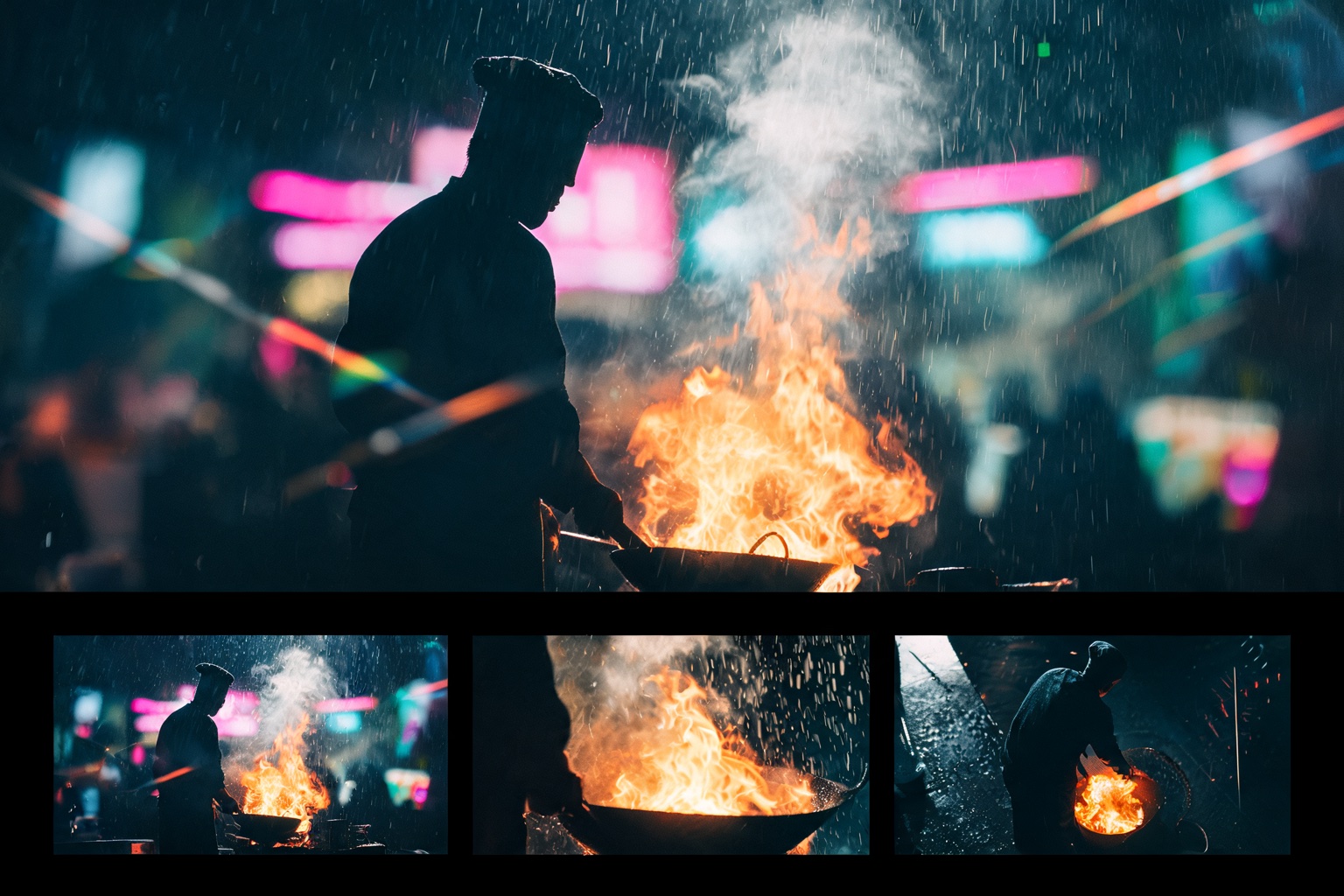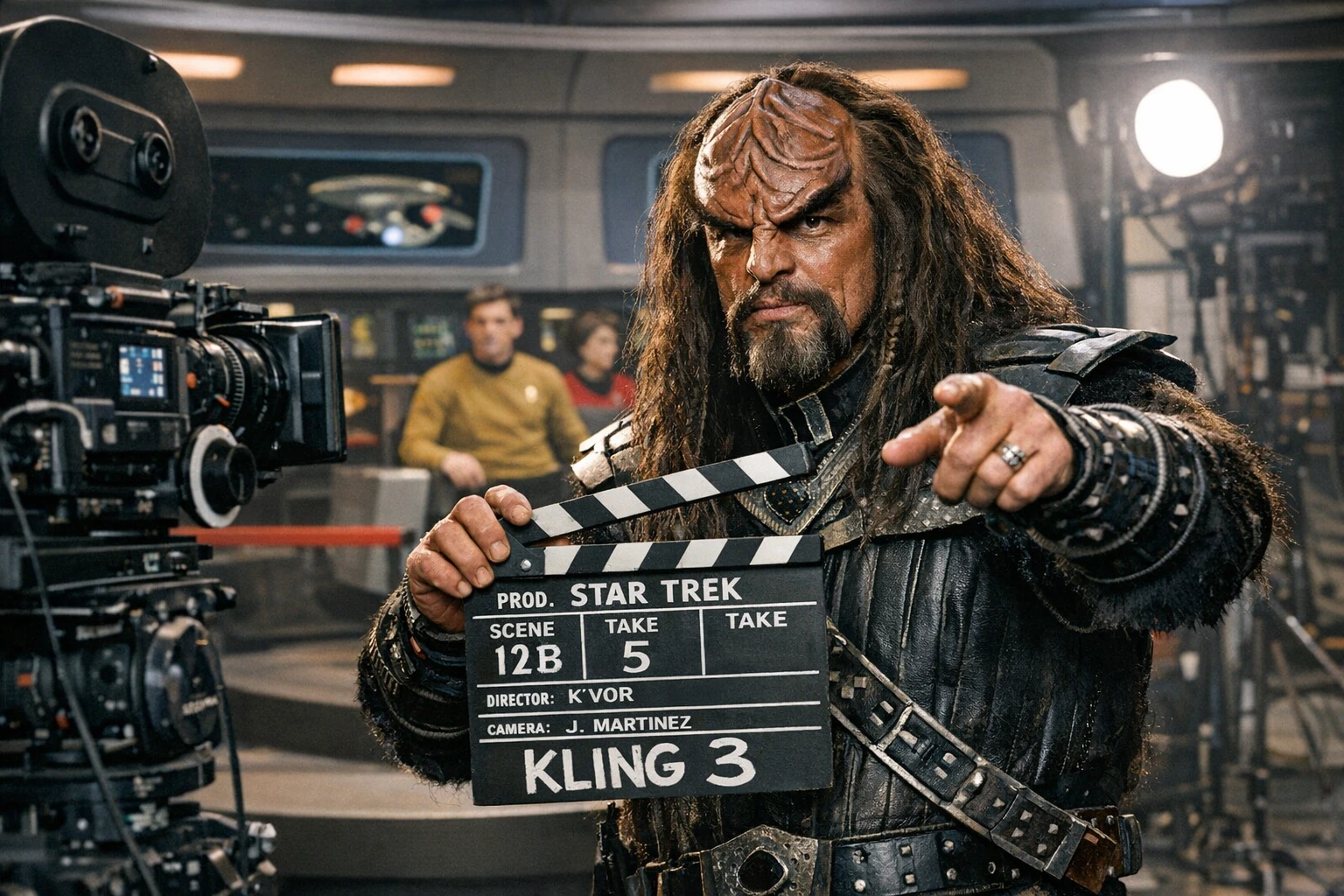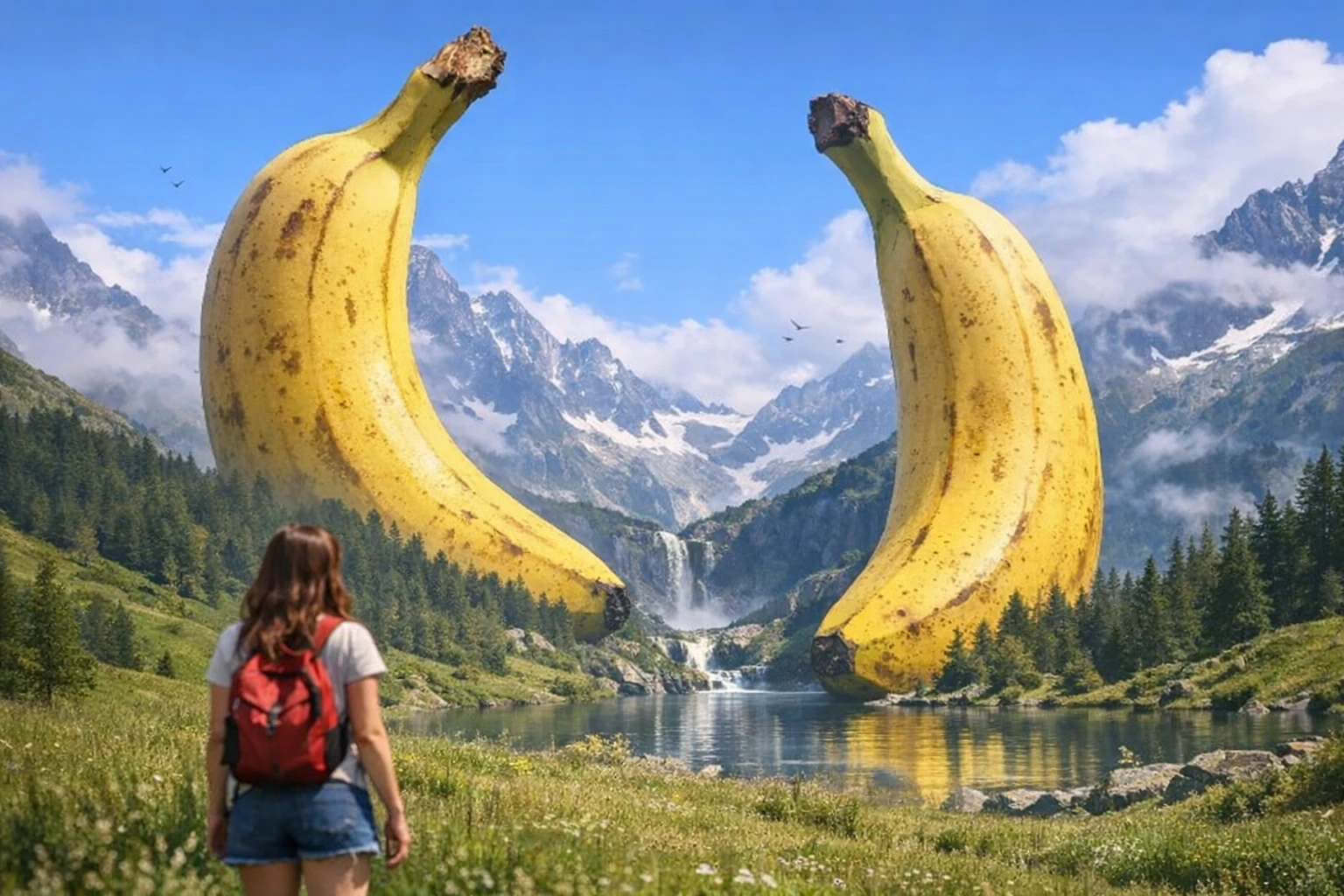
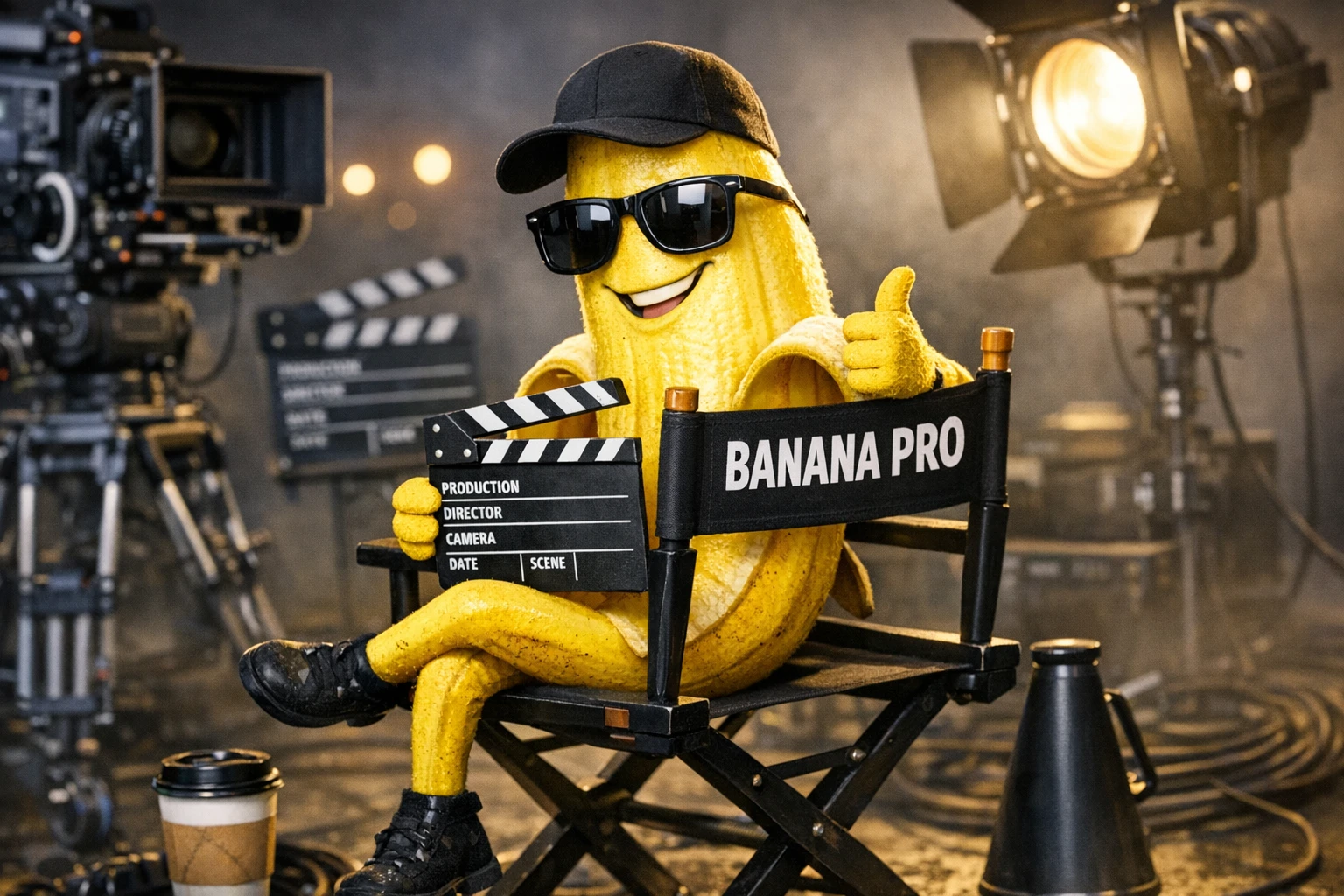
Nano Banana Pro isn't just an image generator — it reasons about inputs, renders pixel-perfect text, handles 14 reference images, and turns PDFs into infographics. Here's how to prompt it.
Nano Banana Pro from Google is built on the Gemini 3 Pro language model, and that changes everything about what an image model can do. It doesn't just see spatial information in reference images — it reads, reasons, and responds to textual content. It solves math problems, renders code, creates infographics from dense documents, and maintains character consistency across multiple references.
This isn't Midjourney with better text rendering. It's a fundamentally different kind of image model.
What Makes Nano Banana Pro Different
| Capability | Traditional Image Models | Nano Banana Pro |
|---|---|---|
| Text rendering | Approximate, often garbled | Pixel-perfect, any length |
| Reading input images | Visual/spatial only | Reads AND understands text |
| Logic / reasoning | None | Solves problems, answers questions |
| Reference images | 1-4 typically | Up to 14 simultaneously |
| Character consistency | Requires LoRAs/IP-Adapter | Built-in with references |
| Code rendering | Hallucinated | Syntactically accurate |
| Document → Visual | Can't process documents | Converts PDFs/papers to infographics |
Core Capabilities
1. Logic and Reasoning
Nano Banana Pro has reasoning layers that bridge input images and output. You can feed it a photo of homework and get correct answers with work shown:
Write the answers to the questions in pencil. Show your work.
It processes text in images the way a language model processes text — understanding meaning, not just copying shapes.
What this enables:
- Papers/articles → whiteboard summary images
- Financial PDFs → infographic visualizations
- Code snippets → rendered visual output (WebGL, React)
- Math problems → solved with steps shown
- GPS coordinates → visual representations of locations
2. Text and Typography
Arguably the best text adherence of any image model. It renders text word for word, maintaining accuracy even across complex designs and styles.
Key behaviors:
- Long text blocks rendered verbatim — not just short labels
- Text accuracy maintained across style transfers (magazine layouts, posters, signs)
- Non-English text works accurately (tested with Indonesian, Japanese)
- Multiple text elements in a single image stay coherent
Put this whole text, verbatim, into a photo of a glossy magazine
article on a desk, with photos, beautiful typography design,
pull quotes and bold headlines.
Typography + Style simultaneously: Unlike other models that sacrifice text accuracy for style, Nano Banana Pro maintains both. You can create machine learning posters, magazine covers, branded infographics — all with pixel-perfect text and creative design.
3. Character Consistency (Up to 14 References)
Nano Banana Pro processes up to 14 reference images simultaneously, making character and object consistency effortless.
How to use references:
- Upload character photos → character appears consistently across generations
- Upload multiple objects → they combine into a single coherent scene
- Upload a character + products → UGC/commercial-style compositions
Create a cinematic image combining these references: the person
is wearing the outfit and holding the product, standing in
a modern kitchen with warm window light.
Virtual try-on: Upload a person reference + clothing items → realistic fitting visualization.
Object synthesis: 25+ items from a collage have been successfully combined into one image using the reference method.
Out-of-context placement: Take a character from one style and place them in another — whiteboard sketch character in a realistic photo environment:
Make him [insert scenario]. Keep his whiteboard style,
but make the surroundings realistic.
4. Document Compression
One of the most striking use cases: turning dense documents into visual summaries.
Turn this paper into a detailed whiteboard photo.
This works with:
- Academic papers (92-page PDFs → single whiteboard)
- Earnings reports (full Nvidia Q3 PDF → infographic)
- Long articles → magazine-style layouts
- Technical documentation → visual guides
The model doesn't just screenshot and shrink — it reads, extracts key information, and reformats it visually.
5. Code Rendering
Because it's entangled with the Gemini 3 Pro language model, Nano Banana Pro renders code accurately — not hallucinated gibberish:
Render this: [paste React/WebGL shader code]
It can take code and produce the visual output that code would generate. This is unique among image models.
Prompt Strategies
Strategy 1: Direct Generation
Standard image generation with extremely strong text adherence:
A vintage travel poster for Tokyo, with bold art deco typography
reading "TOKYO" at top, cherry blossoms framing Mount Fuji,
bullet train in foreground, warm sunset palette,
"Visit Japan 2026" in smaller text at bottom
Strategy 2: Reference-Based Generation
Upload 1-14 reference images and describe the desired output:
[References: person photo, product photo, background photo]

A lifestyle photo of this person casually using this product
in this environment. Natural window lighting,
editorial photography style.
Strategy 3: Document → Visual
Upload a document/paper/PDF and transform it:
Create a detailed infographic summarizing the key findings
of this paper. Use a clean modern design with charts,
key statistics highlighted, and a clear visual hierarchy.
Strategy 4: Style Transfer with Text
Apply creative styles while maintaining text accuracy:
Redesign this content as a [retro sci-fi poster /
minimalist Swiss design / hand-painted sign / neon-lit billboard].
Keep all text exactly as written.
Strategy 5: Aspect Ratio Control
Change framing without regenerating:
Change aspect ratio to 1:1 by reducing background.
The character remains exactly locked in its current position.
Design Applications
Magazine Covers and Layouts
A glossy magazine cover featuring [subject]. Headlines:
"[EXACT HEADLINE TEXT]". Subheading: "[EXACT SUBTEXT]".
Modern editorial design, professional typography,
high-fashion photography style.
App/UI Mockups
A mobile app design mockup for a [tower defense game /
fitness tracker / recipe app]. Show the main screen with
navigation, realistic UI elements, and appropriate
placeholder content.
Product Advertising
Upload a product photo:
Have a young influencer holding it in her kitchen.
Natural lighting, Instagram-style UGC aesthetic.
The product label must be clearly visible and accurate.
Educational Infographics
Create a visual infographic explaining [topic]. Include:
numbered steps, simple diagrams, key statistics in callout boxes,
and a clear flow from top to bottom. Clean, modern design
with a [blue/scientific / warm/friendly / bold/corporate] palette.
Collage Method for Multi-Object Scenes
For combining many objects into one image, use the collage method:
- Arrange reference items in a collage/grid
- Upload as a single reference image
- Prompt the desired scene combining all elements
Records of 25+ items combined in a single coherent image. Accuracy is better with fewer items but the ceiling is remarkably high.
Common Mistakes
❌ Underestimating text capacity
Bad assumption: "Keep text to 3-4 words"
Reality: Nano Banana handles paragraphs, full articles,
and entire page layouts with accurate text
❌ Not using references for consistency
Other models need LoRAs or IP-Adapter for character consistency. Nano Banana Pro does it natively — just upload references.
❌ Treating it as a standard image model
Nano Banana Pro can reason. You can ask it to solve problems, not just draw them. Use it for tasks no other image model can handle.
❌ Limiting reference images
Don't stop at 2-3 references. Test with 5, 10, 14 — the model handles complex multi-reference scenes.
Comparison with Other Image Models
| Task | Nano Banana Pro | GPT Image 1 | Flux | Midjourney |
|---|---|---|---|---|
| Text rendering | ★★★★★ | ★★★★ | ★★★ | ★★ |
| Reasoning/logic | ★★★★★ | ★★★★ | ✗ | ✗ |
| Character consistency | ★★★★★ | ★★★ | ★★ (needs LoRA) | ★★★ |
| Reference images | Up to 14 | Limited | 1 (IP-Adapter) | 1-4 |
| Document processing | ★★★★★ | ★★★ | ✗ | ✗ |
| Photorealism | ★★★★ | ★★★★ | ★★★★★ | ★★★★ |
| Artistic styles | ★★★★ | ★★★★ | ★★★★ | ★★★★★ |
| Speed | Fast | Moderate | Fast | Moderate |
Pro Tips
- It reads, not just sees — Feed it documents, code, math problems — it understands the content
- Text is a first-class citizen — Don't hedge on text length or complexity; it handles paragraphs
- 14 references > 3 references — Push the reference count for complex character/object scenes
- Collage method for mass objects — Grid your references into one image for 25+ element scenes
- Style + text simultaneously — You don't have to choose between creative design and accurate typography
- PDF → infographic is a killer use case — Compression of dense documents into visual summaries
- Out-of-context character placement — Sketch character in realistic world (or vice versa)
- Code rendering works — Paste actual code and get visual output of what it renders
- Non-English text is accurate — Tested with Indonesian, Japanese, and other languages
- Aspect ratio control in-place — "Change to 1:1, keep character locked in position"
Ready to put these techniques into practice? Try Splice — film.fun's AI Creator Studio. Generate video, edit in the browser, and bring your stories to life. Learn more at academy.film.fun. ...